Switching Window Tabs
When you have multiple window tabs, you can easily switch between tabs by selecting the tab you want displayed, or as described below.
| ➢ | To switch between tabs: |
| 1. | From the View menu, choose Switch Tab or on the toolbar, click the Switch Tabs  icon; the Switch Tab dialog box appears: icon; the Switch Tab dialog box appears: |
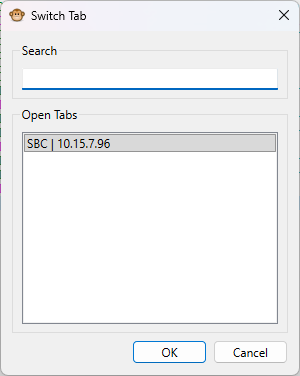
| 2. | Use the 'Search' field if you want to search for the name of the tab. |
| 3. | Select the tab from the list of opened tabs. |
| 4. | Click OK. |