ARM Migration
This version includes support for the creation of ARM repositories for customer services using Live Platform. Once enabled, when a new Operator Connect service is created, a new file repository is created on ARM for the service. Services added prior to version 8.0.518, must be migrated to ARM using a new Migration wizard. In the process, a unique repository is created on ARM and numbers that are currently loaded to the service are retrieved from the OCDialplan on the SBC device and migrated to the new repository. This feature therefore facilitates load balancing of the customer DIDs with Direct Routing numbers managed in the SBC dial plan and Operator Connect numbers managed in the ARM repository.
Numbers loaded to the Number Inventory module prior to version 8.0.518 are not transferred to the new ARM repository. However once the repository is created you can also use the Inventory module to load numbers to the repository (see Enable Inventory Management.
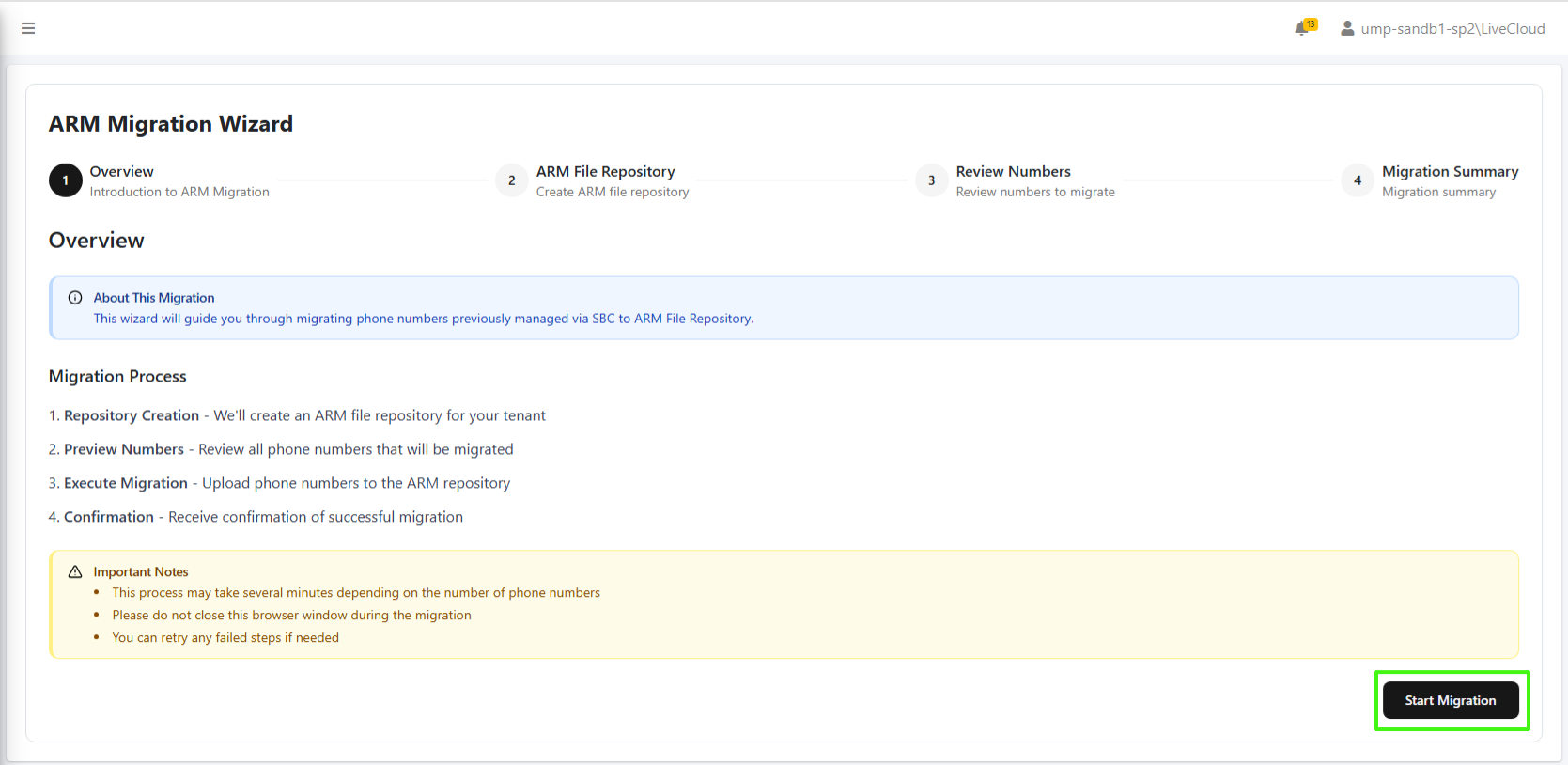
The Migration wizard is enabled in the Application Settings file in the Live Platform database. Other database configurable settings include the ability to exclude the migration of the OC Dial plan numbers for the customer and enabling the Advanced Settings tab for creating a new customer with an IP Group based SIP Connection.