Editing Service Provider Tenants
This section describes how to edit an existing Service Provider tenant.
| ➢ | Do the following: |
| 1. | In the Menu , choose Topology and then select the Tenants tab. |
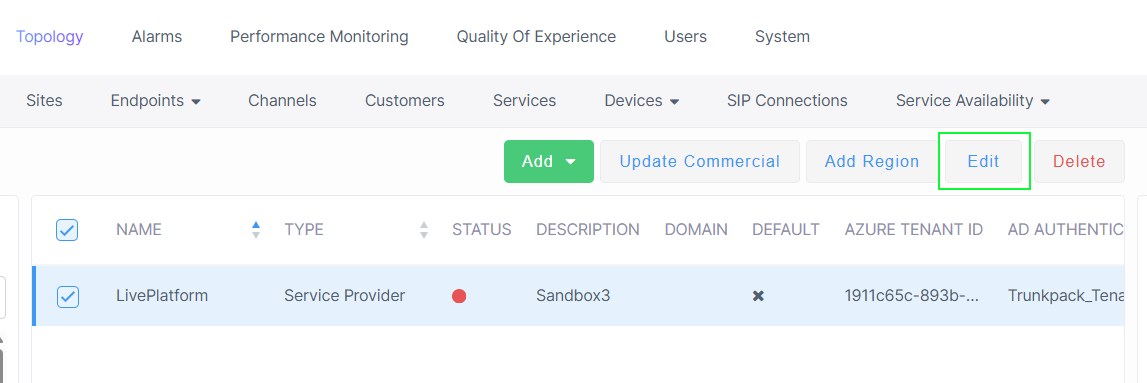
| 2. | Select the relevant Service Provider tenant entity and then click Edit. |
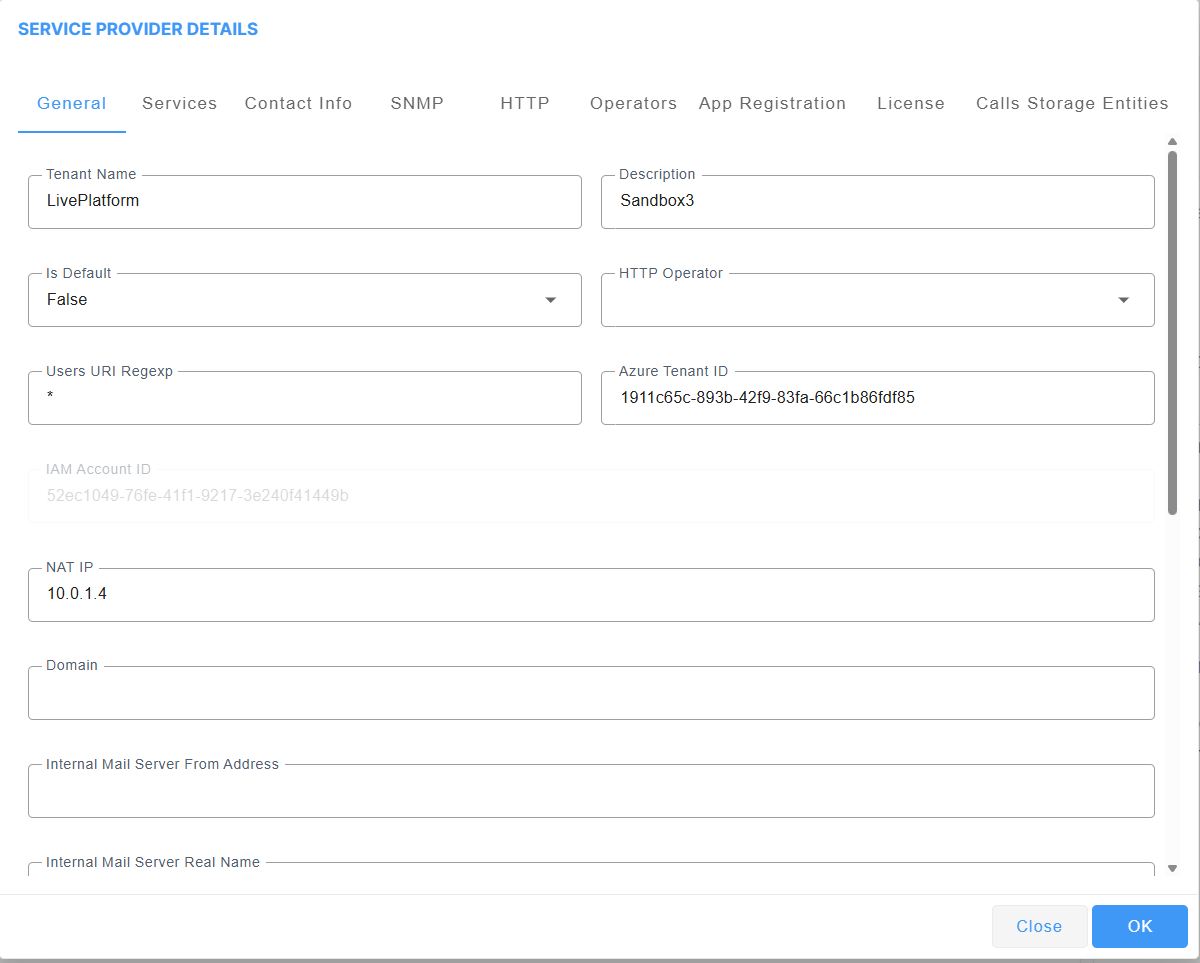
| 3. | Configure parameters as described in Adding Service Provider Tenants and then click OK. |
The ID string of the Identity and Access Management account of the Service Provider entity that is generated automatically upon creation of the entity (for version 8.4.2000 and later) is displayed (read-only). See Configuring Identity and Access Management (IAM) andLogging in with Identity and Access Management (IAM).