Obtaining the Salesforce Domain URL
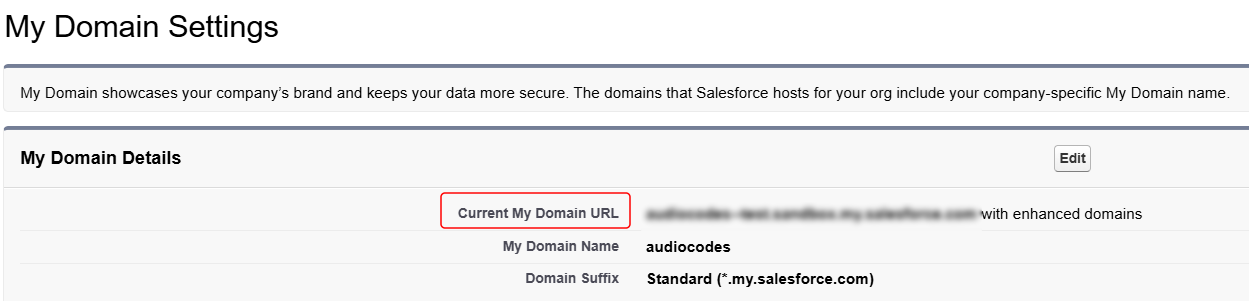
The following procedure describes how to obtain your organization's Salesforce domain URL, which you need for configuring Meeting Insights.
| ➢ | To obtain client ID and secret: |
| 1. | Sign in to your Salesforce account. |
| 2. | Click the gear ⚙ icon in the top-right corner, and then choose Setup. |
| 3. | In the left navigation menu, expand Company Settings, and then choose My Domain. |
The domain URL is displayed in the 'Current My Domain URL' field: