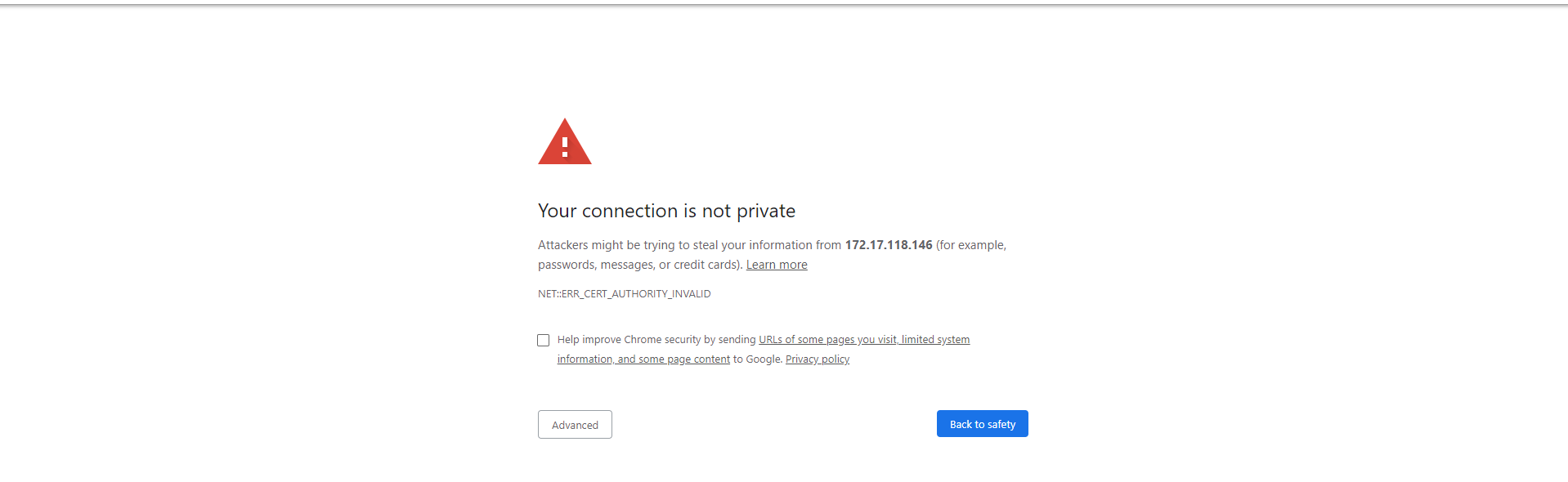
When you are prompted with a message that the web page that you are trying to open using Google Chrome is insecure, do the following:
Chrome Browser Settings