View the About Screen
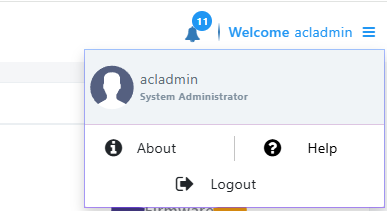
The About screen enables admin to access info about Device Manager as well as to log out of the app from whatever page they're in.
| ➢ | To view the About screen: |
| ■ | In any page in Device Manager, click the uppermost right menu icon. |
| ➢ | To log out: |
| ■ | Click the Logout option. |
| ➢ | To view version information: |
| ■ | Click the About option. |