Customizing Access Levels per Web Page
You can overwrite the default access privileges (read-only or read-write) per user level (Monitor, Administrator, or Security Administrator) per Web interface page.
| ➢ | To customize access levels per Web page: |
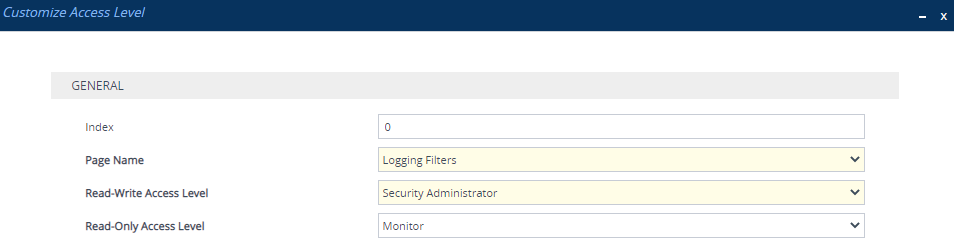
| 1. | Open the Customize Access Level table (Setup menu > Administration tab > Web & CLI folder > Customize Access Level). |
| 2. | Configure customization rules. For example, the configuration below allows only Security Administrator users to configure the Logging Filters page, while allowing users with Monitor level to view only. |