Onboarding Step 3 – Configure Access
The Quick Start onboarding wizard is only relevant for systems with enabled Teams recording. It is not relevant for SIPREC only systems.
After completing Onboarding Step 1 – Grant MS365 Admin Consents and Onboarding Step 2 – Configure Recording Profile, configure Access Profiles controlling user access permissions. On the onboarding wizard page, click Configure Access.
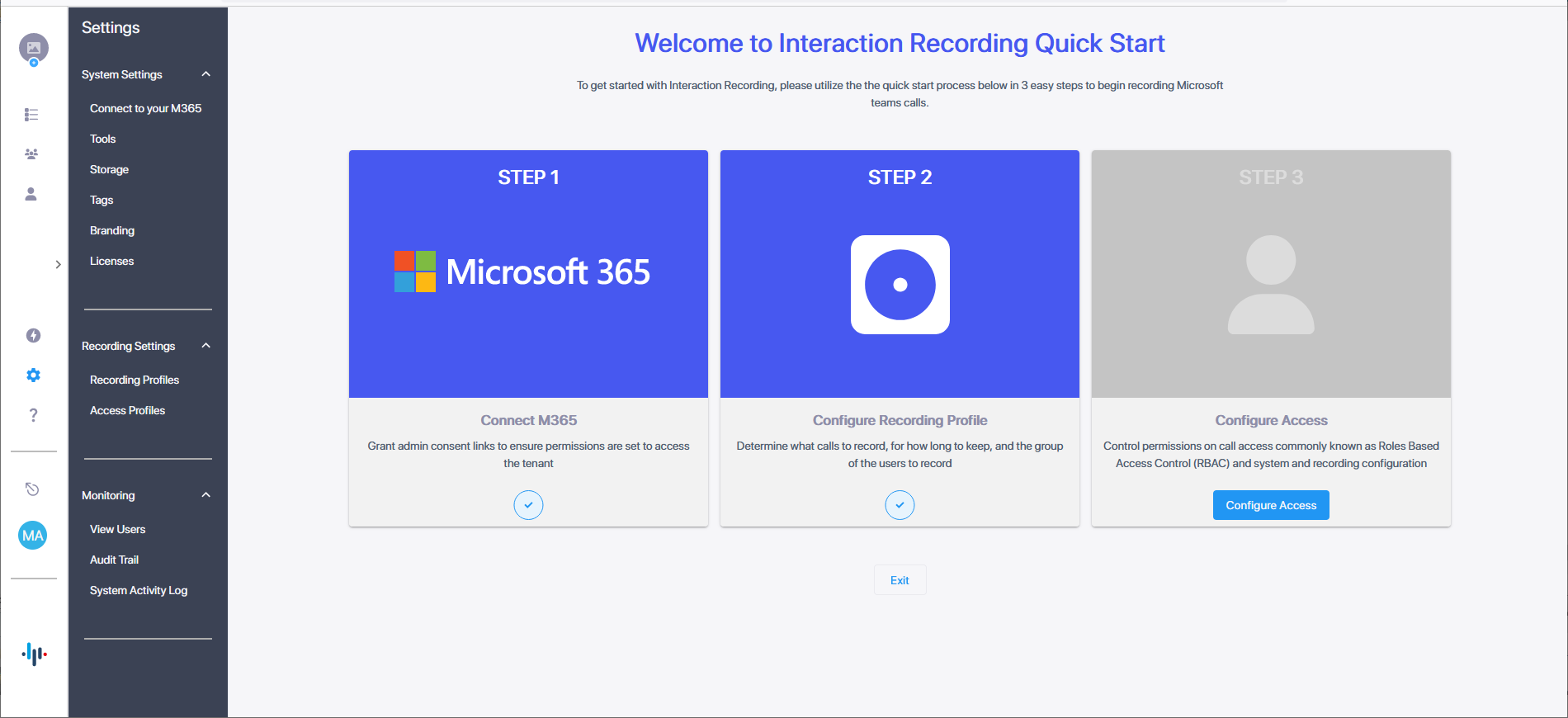
| ➢ | To configure access: |
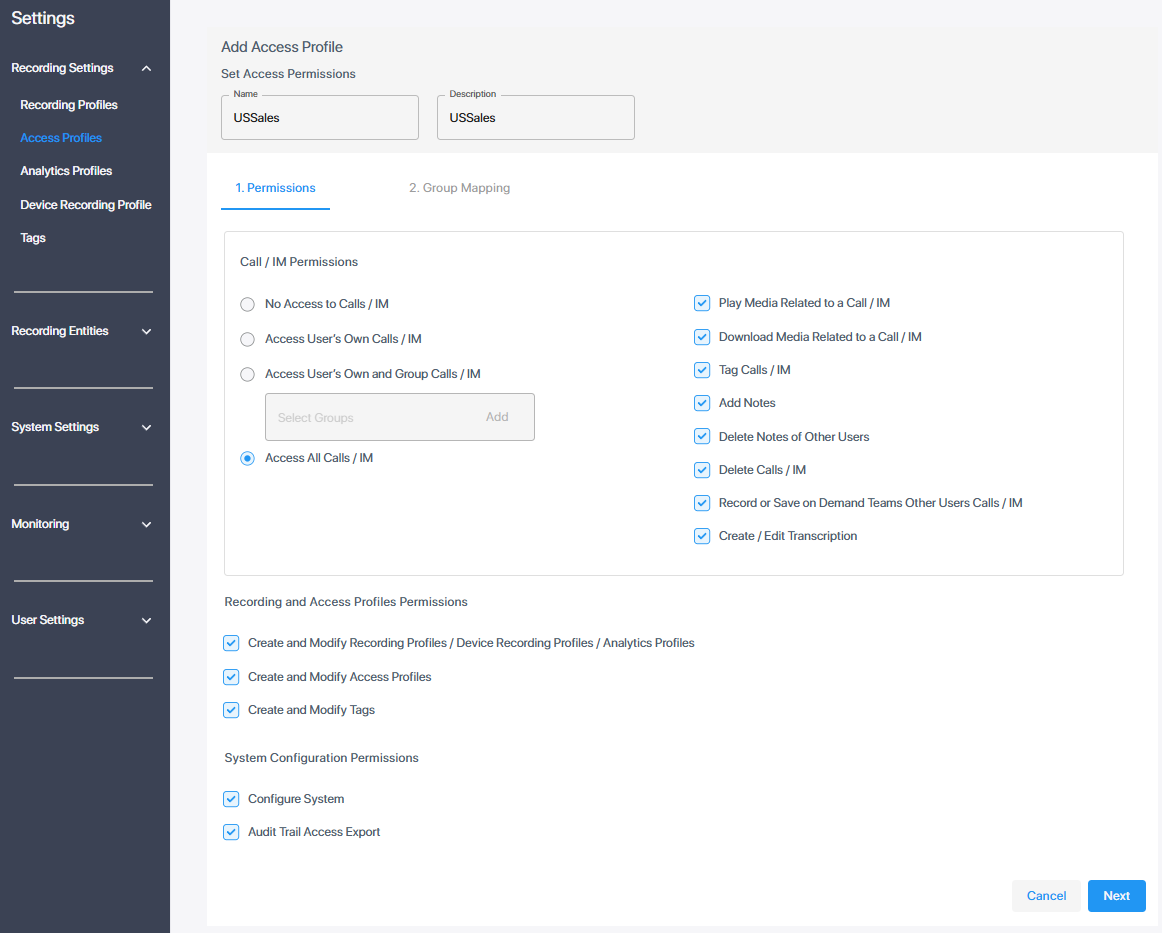
| 1. | Configure the Access Profile and assign it Azure groups, as described in Add an Access Profile. In the following example, an access profile has been assigned with maximum permissions to access all calls and perform all available configuration actions in the Web interface. |
| 2. | Click Next and assign groups: Start typing the name of the AAD group to assign, the group name is validated and then displayed; click AddGroup. |
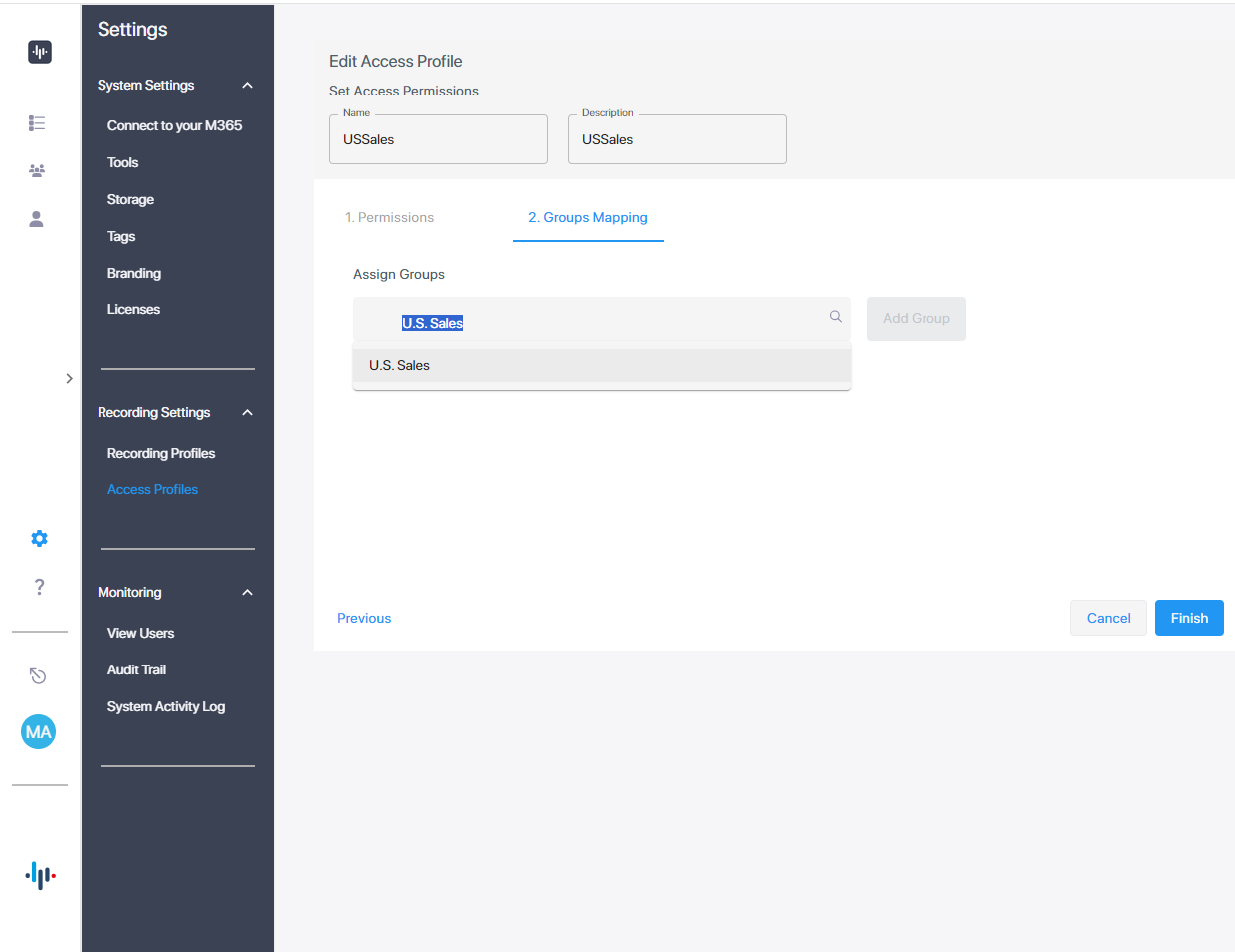
The Access Profile group assignments are synchronized automatically with your M365 platform.
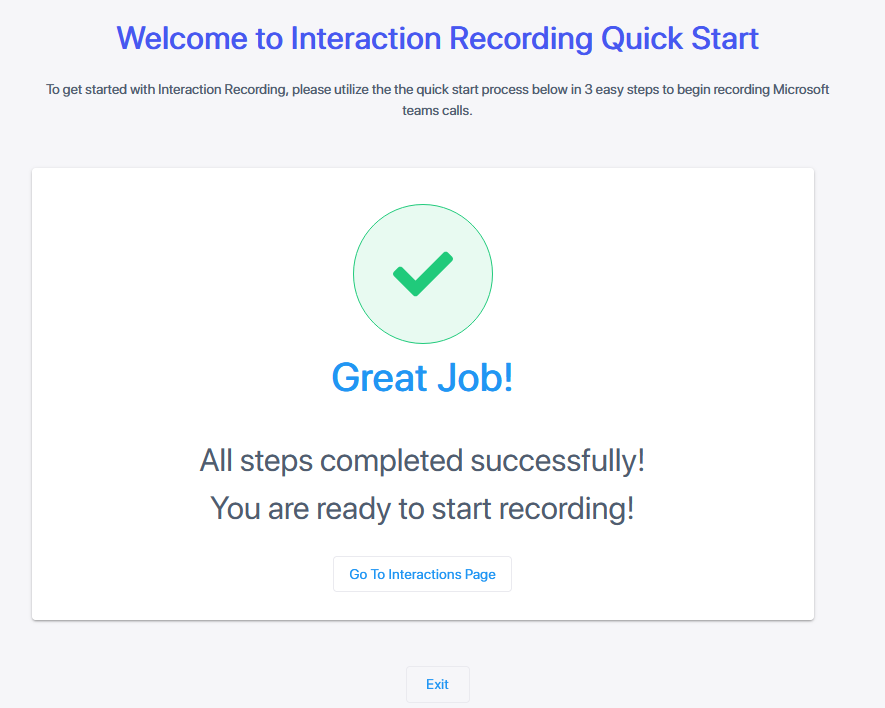
| 3. | Click Finish; the following confirmation message is displayed indicating successful completion of the wizard. |