View Last Web Admin Activities Logged in Device Manager
The System Admin can view the logged activities that were performed in the Live Platform Device Manager Web interface.
|
➢
|
To view the last web admin activities logged: |
|
1.
|
In the Device Manager, open the System Logs page (Troubleshoot > System Diagnostics > System Logs). |

|
2.
|
Adjacent to Web Admin, click the View button. |

|
3.
|
[Optionally] Before you download the Web admin log file, select the log level (Error, Warning, Info, Debugging or Verbose) and the number of last log lines to be shown. |
|
4.
|
Click the 'download' icon; the file IPP.Manage.Web.Admin.log.txt is downloaded to your pc/laptop. |
|
5.
|
Click the download icon  to download the log file; the file is downloaded to the PC. to download the log file; the file is downloaded to the PC. |
|
➢
|
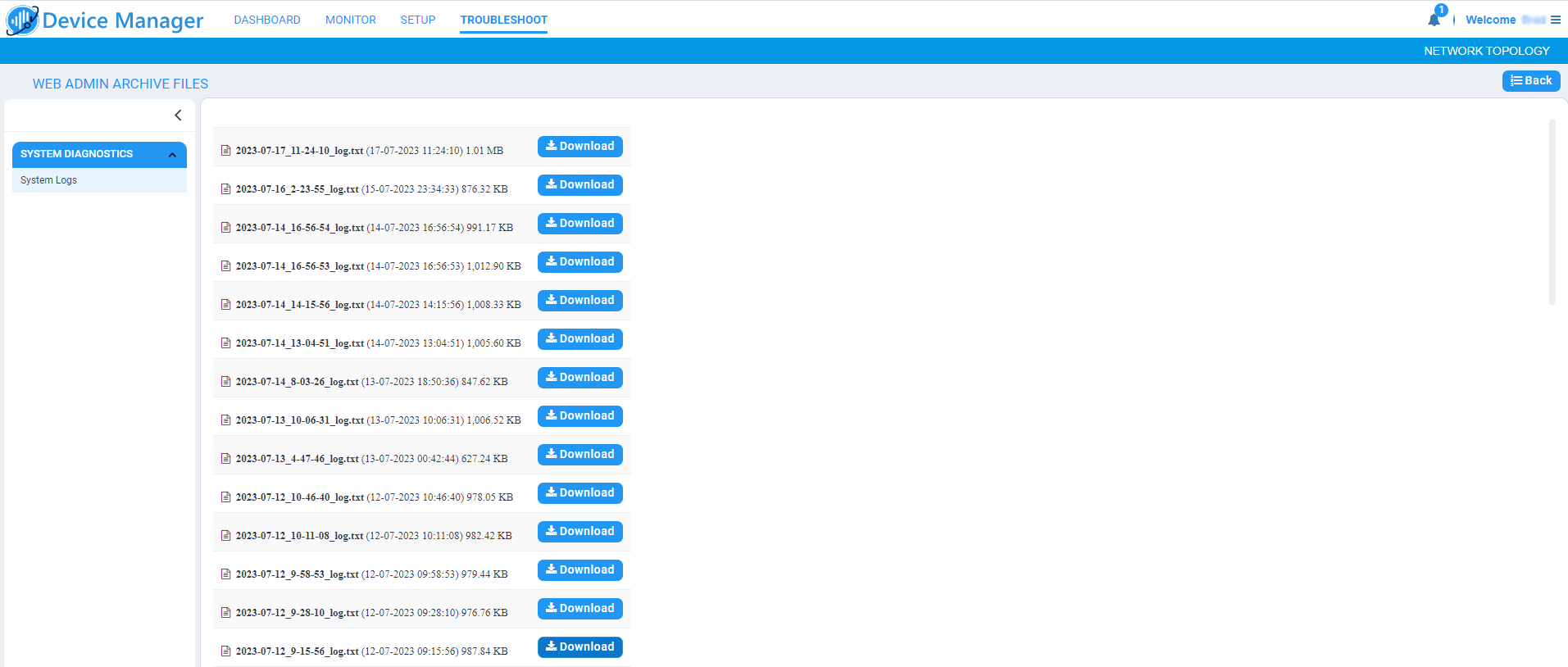
To view archived web admin activity log files: |
|
■
|
Click the 'folder' icon and in the Web Admin Archive Files page shown below, view all archived web admin activity log files. |