Creating User Accounts from Registration Invitations
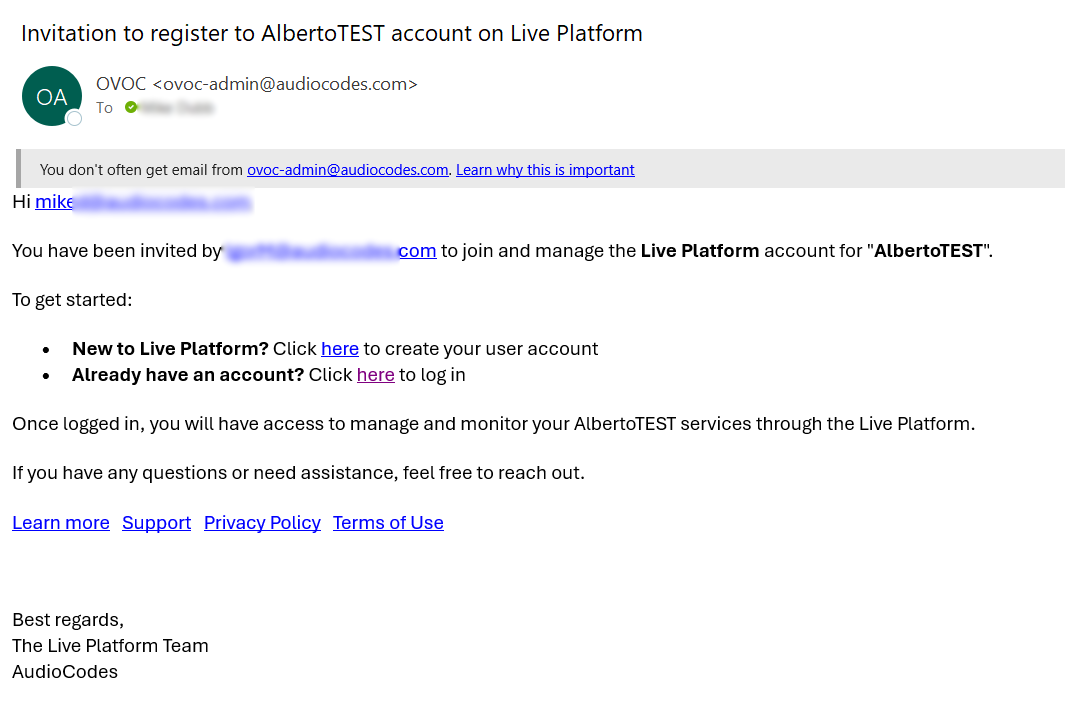
When you're added as a management user for a Live Platform entity (tenant) in the IAM interface, an email is sent to the email address defined in IAM. The invitation includes a link that lets you create a new Live Platform user account if you don't have one, or sign in directly if you already have a user account. Below shows an example of an invitation email.
|
➢
|
To create a user account: |
|
1.
|
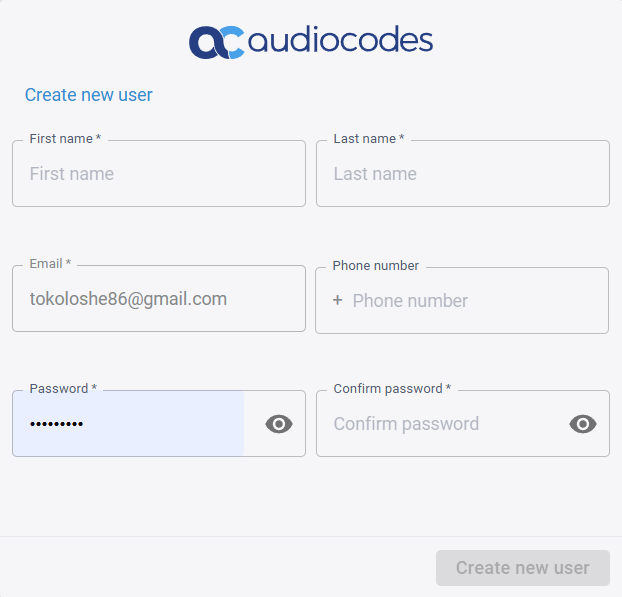
In the invitation email, click the "here" link for the New to Live Platform?; the Live Platform's Create new user page opens in your web browser: |
|
2.
|
Fill in the following fields: |
|
a.
|
In the 'First name' and 'Last name' fields, enter your first and last (surname) name, respectively. |
|
b.
|
In the 'Phone number' field, enter your phone number with country code. |
|
c.
|
In the 'Password' field, enter a password, and then re-enter the password in the 'Confirm password' field. |
The password must adhere to this password complexity policy:
|
●
|
Contains at least 8 characters, with a maximum of 16 characters. |
|
●
|
Meets at least three of the following conditions: |
|
✔
|
Contain at least one upper-case letter (A-Z). |
|
✔
|
Contain at least one lower-case letter (a-z). |
|
✔
|
Contain at least one digit (0-9). |
|
✔
|
Contain at least one symbol ((@ # $ % ^ & * - _ + = [ ] { } | \ : ' , ? / ` " ~ ( ) ; . )). |
|
3.
|
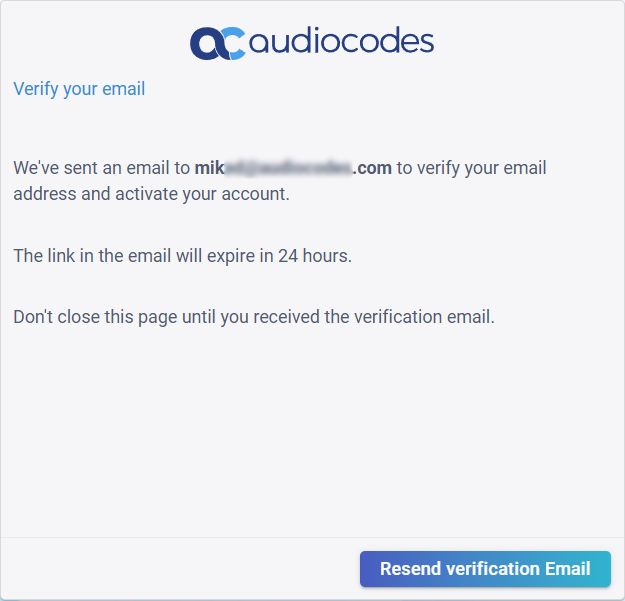
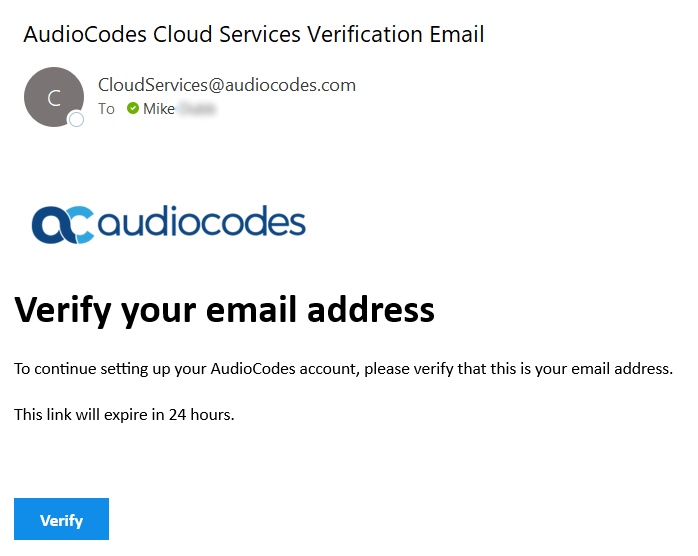
Click Create new user; Live Platform sends you another email asking you to verify your email address. The web page also indicates that a verification email has been sent. |
|
●
|
DON'T close this web page until you've received the verification email. Delivery may take several minutes, depending on network conditions. If you don't receive the message, click the Resend verification Email button in the web page to have Live Platform send it again. |
|
●
|
The link in the email that you need to click to verify your email address expires after 24 hours. |
An example of the verification email is shown below:
|
4.
|
In the email, click Verify; if email address verification succeeds, the following confirmation message is displayed in your browser: |