Delete customer
You can delete an existing customer from Live Platform.
Prior to performing this operation ensure that all attached services have been deleted.
| ➢ | To delete a customer: |
| 1. | In the navigation menu, under Business Accounts, click Customers. |
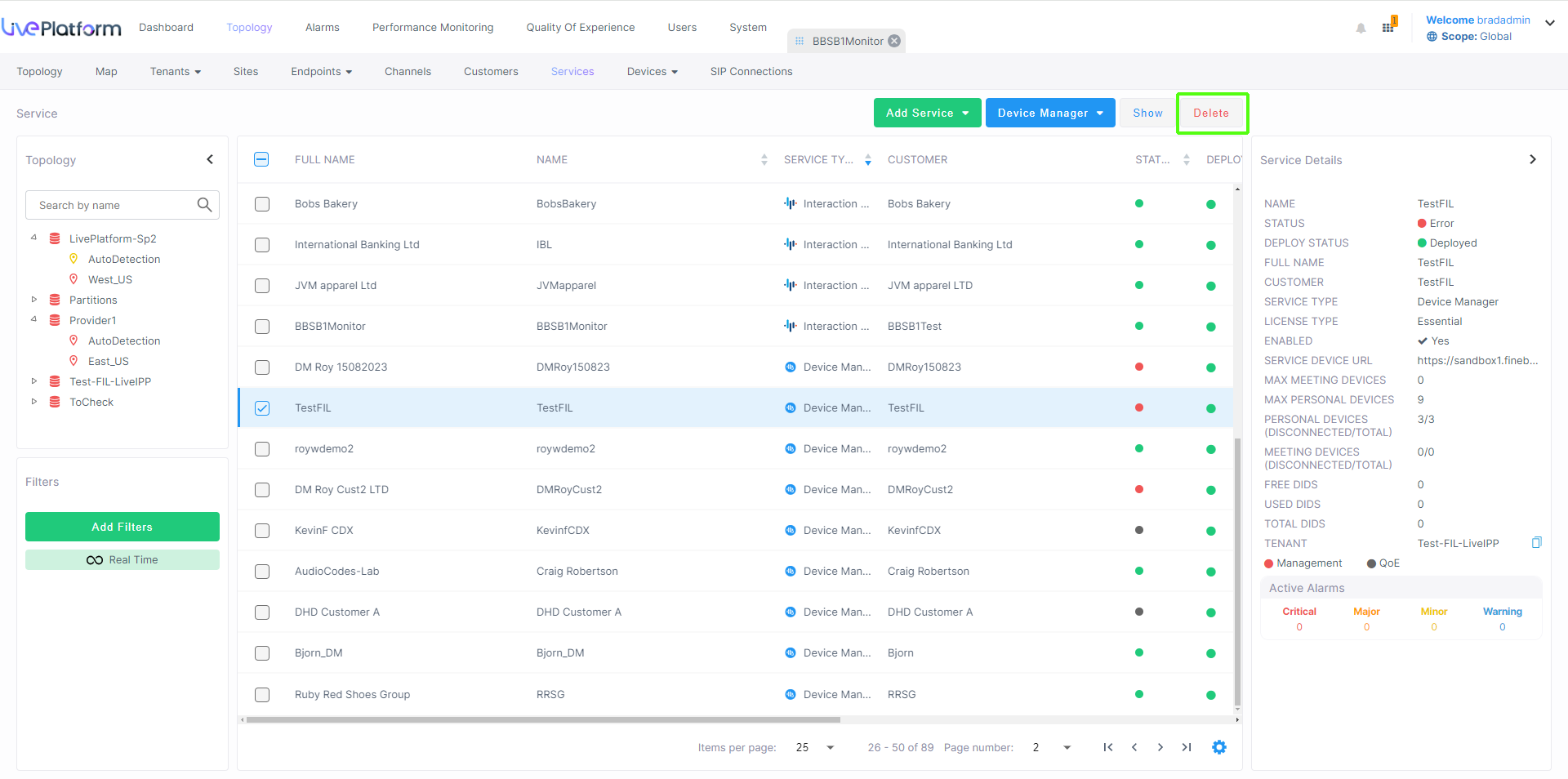
| 2. | Select the check box adjacent to the customer that you wish to delete, and then click Delete. |
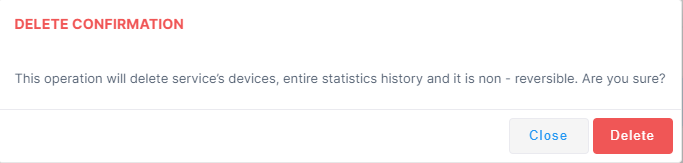
| 3. | Click Delete to confirm deletion. |