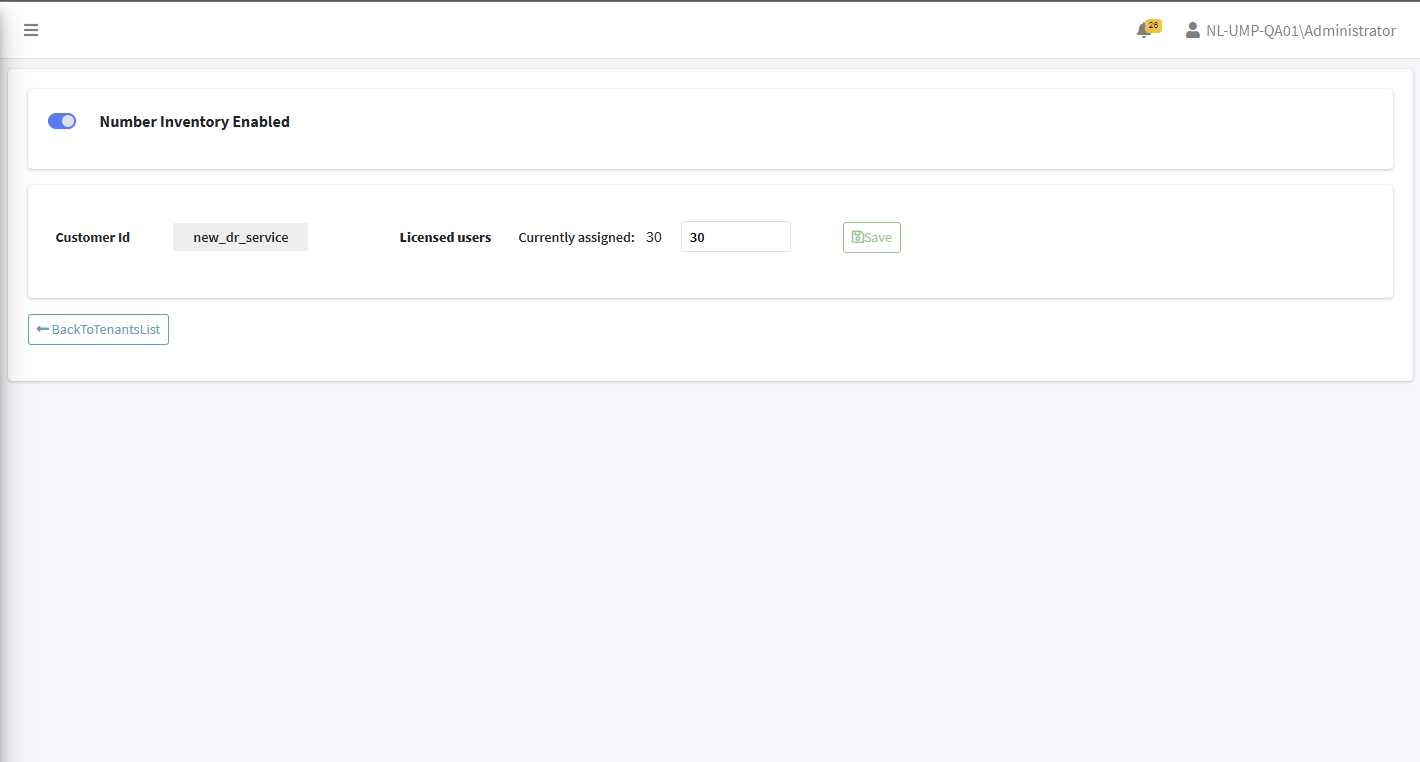
Enable Number Inventory for Service
You can enable the Number Inventory module for a specific service. Numbers that are added to the Number Inventory are added to the "Users" table in ARM.
This feature must be enabled
| ➢ | To enable Number Inventory: |
| 1. | In the All Services page, click Edit for the service that you wish to enable. |

| 2. | Select the Number Inventory Enabled slider. |