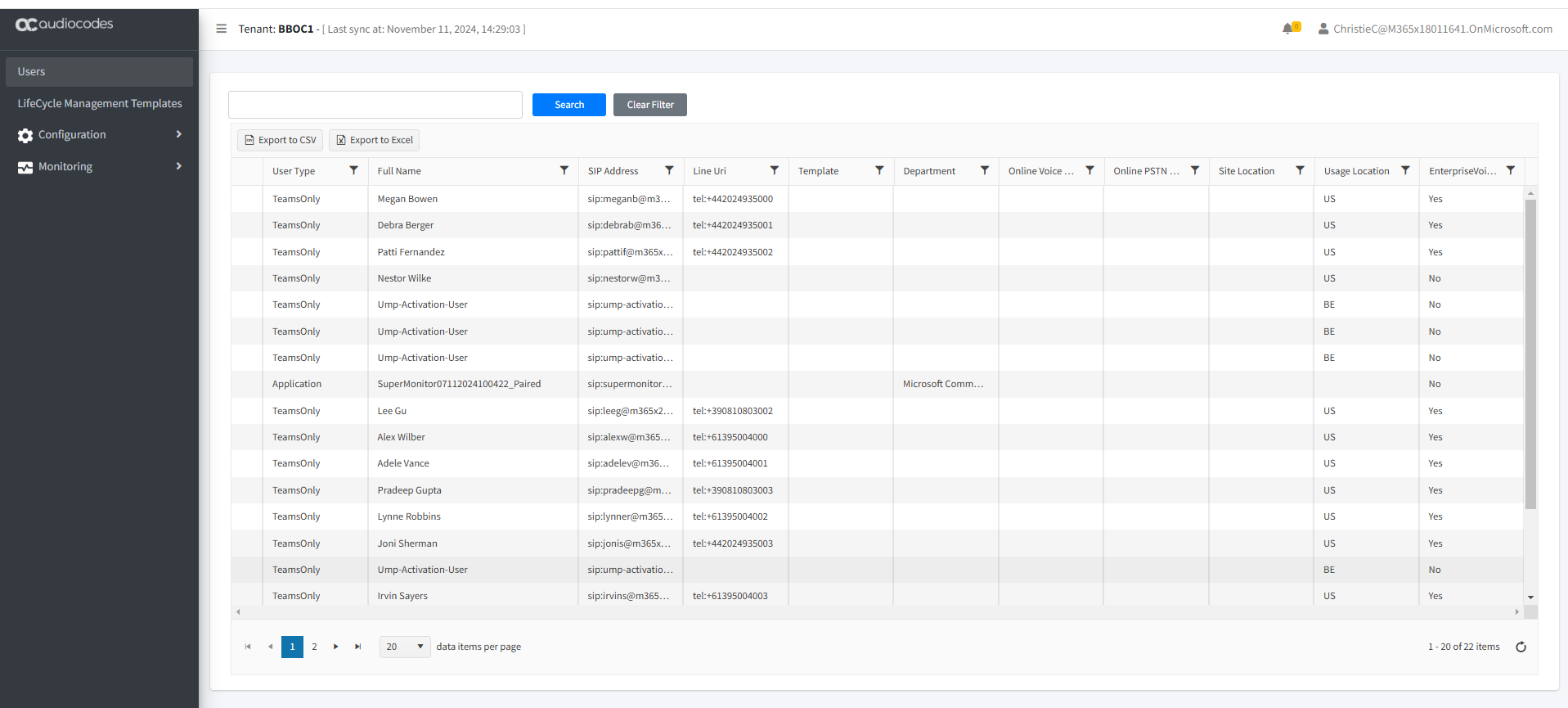
OC Essentials Plus
The following actions can be performed with OC Essentials Plus license:
| ■ | Getting Started with Operator Connect Essentials Plus |
| ■ | User Management |
| ■ | Binding Templates to Security Groups |
| ■ | Configuration: |
| ● | Update the Microsoft 365 Setting (see Securing Microsoft 365 Service Provider Access) |
| ● | Manage SIP Connections (see Managing SIP Connections) |
| ● | Location-Based Routing (see Location-Based Routing) |
| ■ | Monitoring: |
| ● | Queued Changes (see Monitoring M365 Replication Actions Queue) |
| ● | UMP License (see Managing User Licenses) |
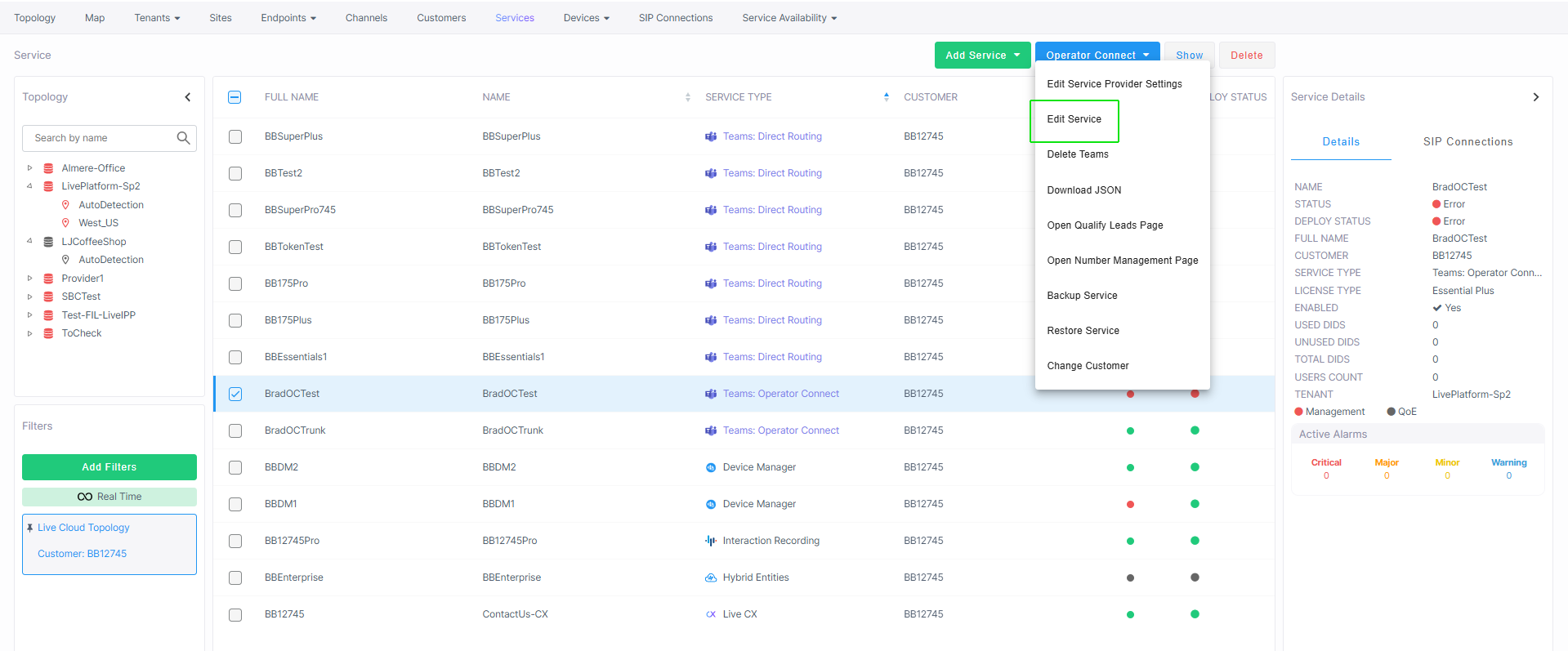
| ➢ | To open the Service portal: |
| 1. | In the Live Platform Services page, select the check box adjacent to the service and then from the Operator Connect drop-down, choose Edit Service. |
The Users page of the Service portal opens.