Filtering and Mass Provisioning
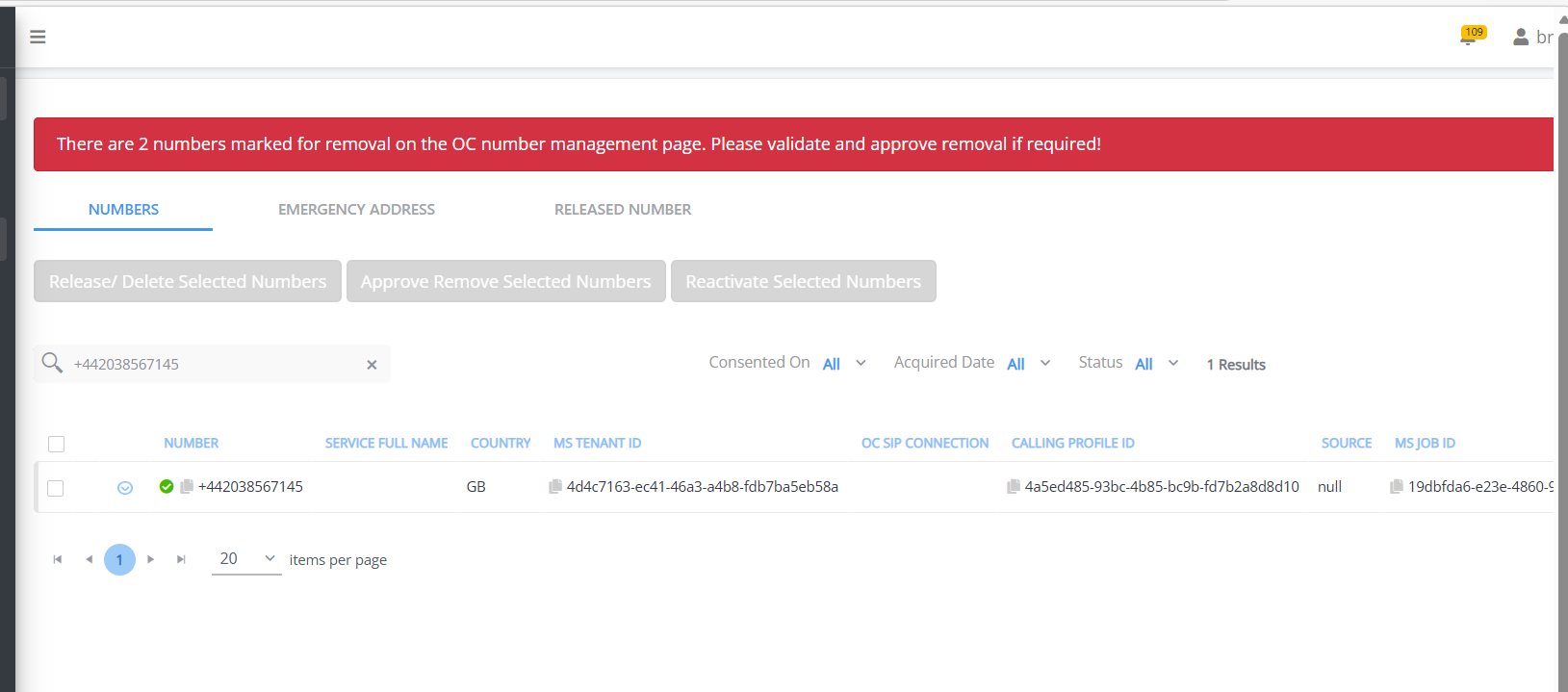
A key feature of this page is the ability to provision multiple numbers in a single action. For example, approve the removal of selected numbers or reactivate selected numbers after they have been marked for removal. You can only apply multiple entries that have the same status. For example, if one phone number is an "Active" number and others are "Marked for Removal" then these entries cannot be processed in a single action.
|
➢
|
To search using the search field: |
|
1.
|
In the search field, search by entering text for the following fields: |
|
●
|
Live Platform Channel Name |
The Summary data pane is updated accordingly and the queried number is retrieved in the Phone Numbers directory.