Run Wyupdate
This procedure describes how to run the Wyupdate to update UMP-365 to the latest version.
| ➢ | Do the following: |
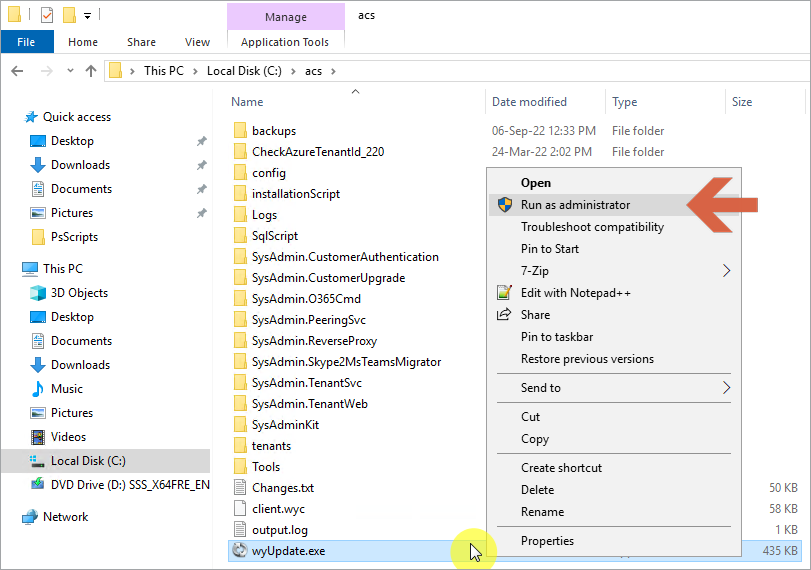
| 1. | Run wyUpdate.exe from path C:\acs. (right-click Run as Administrator). |
| 2. | In the Updated dialog, click Update. The wyUpdate tool validates the installed version to determine whether updates are available, or an upgrade is required. |

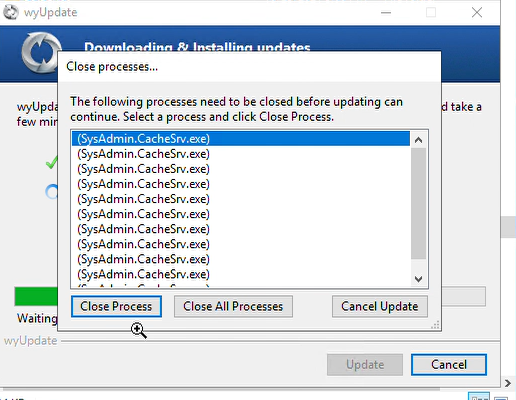
| 3. | If you did not close all the services via PowerShell, then during the update you are prompted to “Close processes…”. Confirm this action. This kills the running processes and continues the upgrade. |
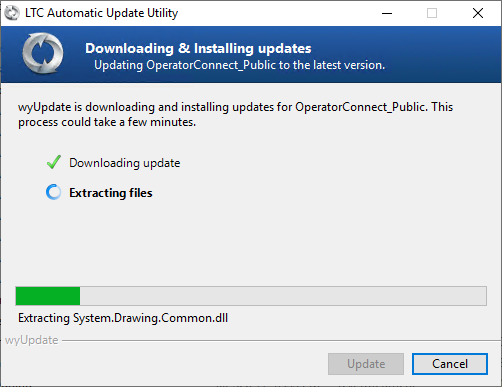
The available updates / version upgrade packages are downloaded to a temporary folder and the files are installed.
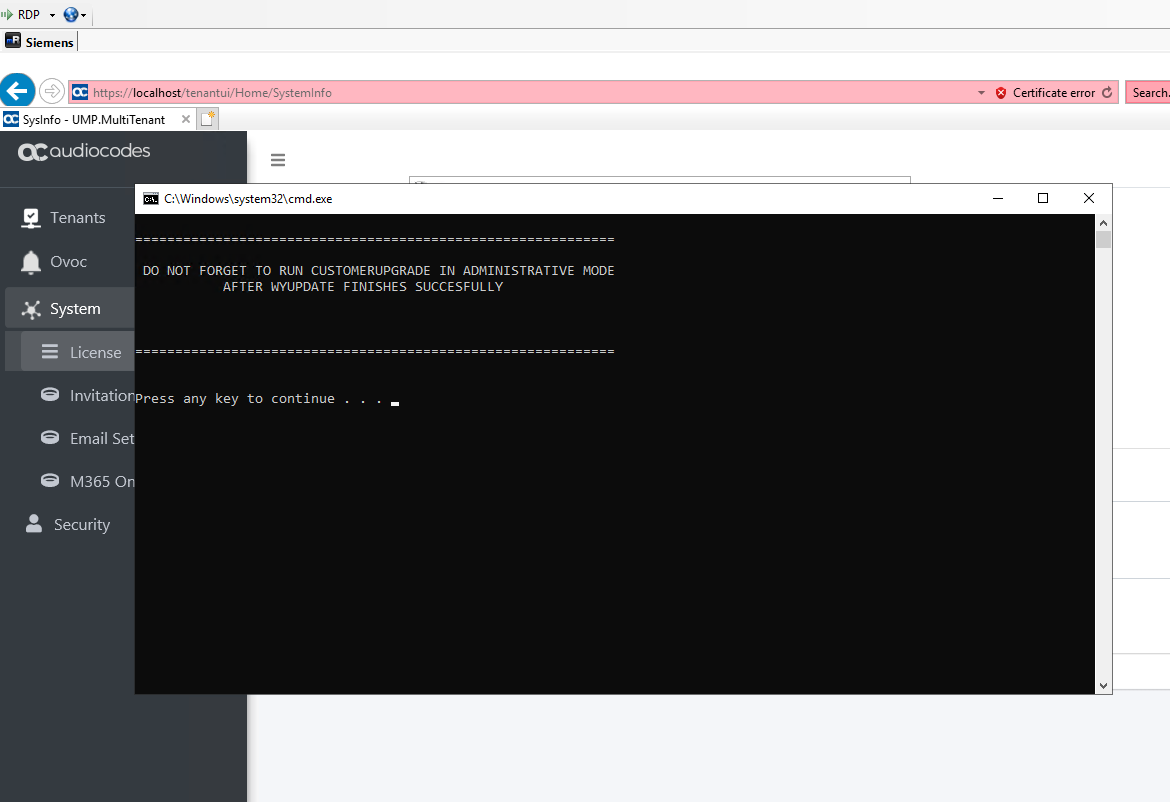
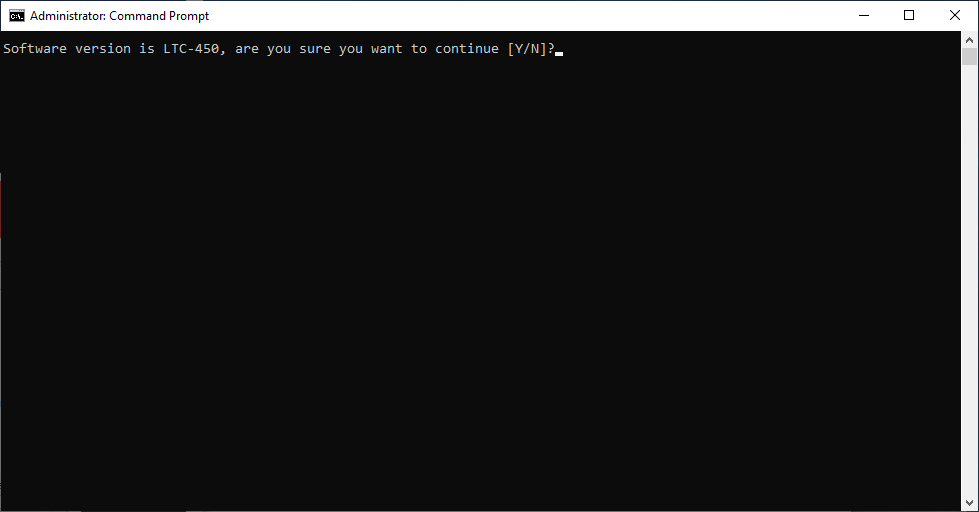
| 4. | The upgrade process is interrupted via the CMD window pop-up. The following prompt is displayed: Warning … Are you sure you want to continue. [Y / N] ? |
| 5. | Type Y and press Enter. |
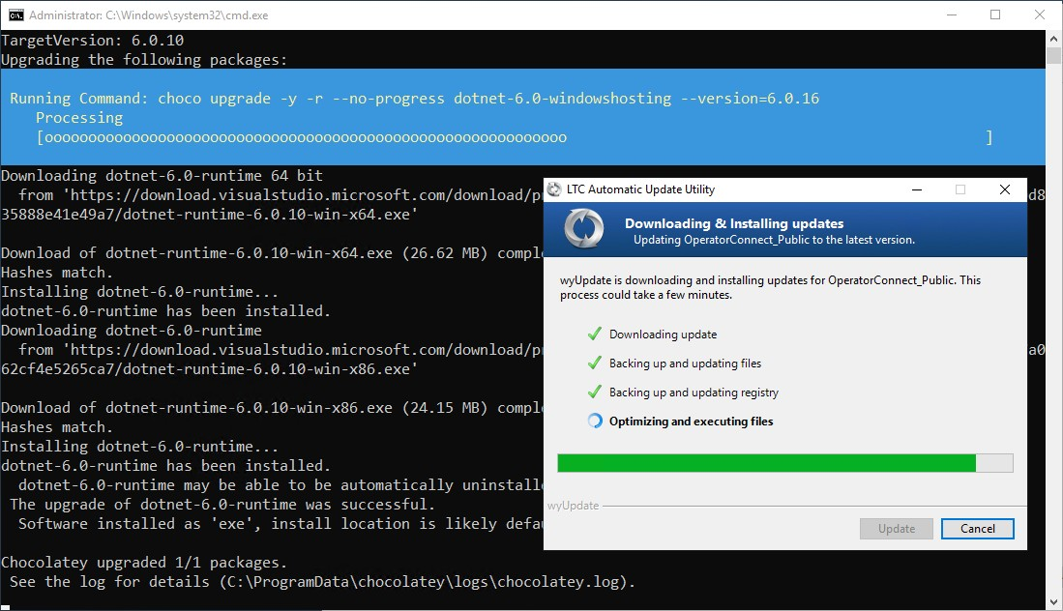
| ● | Folders are backed up and files are updated. |

| ● | During the optimization and execution, various necessary software packages are installed as described in Stop wyUpdate Processes. |
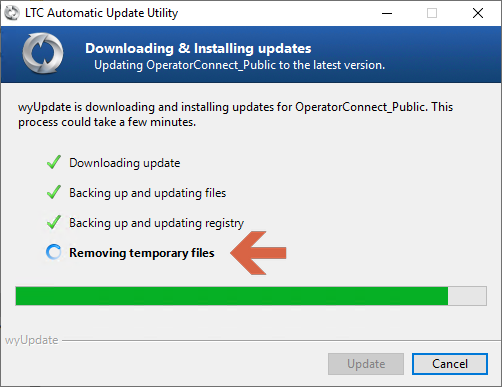
| ● | Temporary files are removed. |
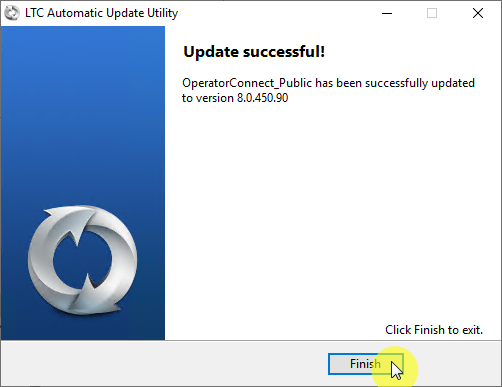
| 6. | Click Finish. |
| 7. | In the Command shell, press any key to continue or wait a few seconds. |