Configure REST API Accounts
You can configure Rest API accounts to connect Live Platform to external services such as a CRM platform.
| ➢ | To configure Rest API accounts: |
| 1. | In the Navigation pane, select Rest API accounts. |
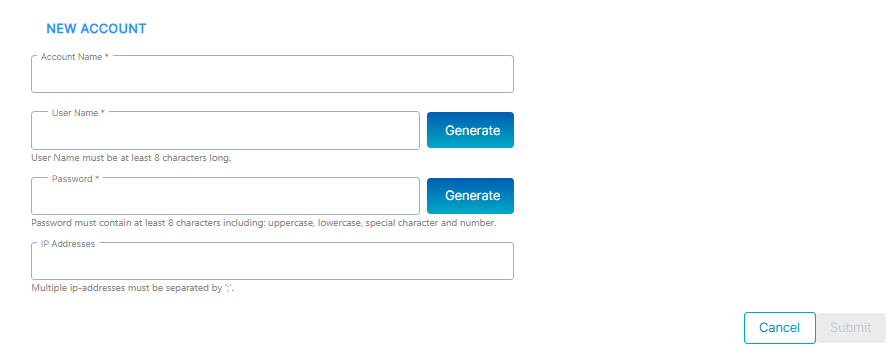
| 2. | Configure parameters according to the table below and then click Submit. |
|
Parameter |
Description |
|---|---|
|
Account Name |
Define a new account name. |
|
User Name |
Define a user name for the Rest API account and then click Generate. A random string is generated. |
|
Password |
Define a password for the Rest API account and then click Generate. A random string is generated. Password rules: 8 characters long including Uppercase, lowercase, special characters and numbers. |
|
IP Addresses |
Define the IP addresses of the URLs for the interfaces to which your Rest API account will connect to Live Platform. |
| 3. | Click Edit to modify the entry. |
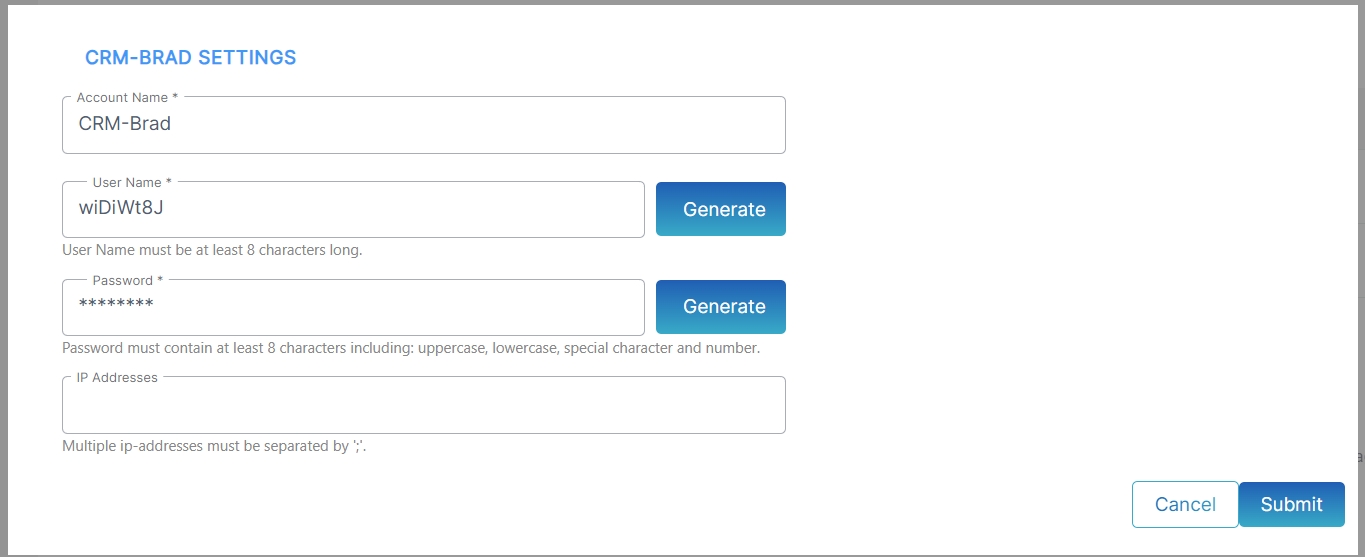
| 4. | Click Remove to delete the entry. |