Enable Integration with Third-Party Apps
You can enable the integration of Meeting Insights with third-party applications.
Available third-party apps integration options depends on your organization's administrator.
|
➢
|
To enable integration of third-party apps: |
|
1.
|
From the Navigation pane, click  Settings; the User Settings pane appears. Settings; the User Settings pane appears. |
|
2.
|
Select the Preferences tab. |
|
3.
|
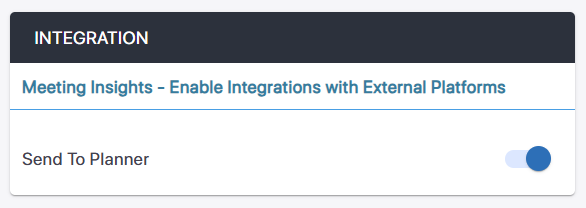
Under Integration, click the Send To Planner toggle button to turn it on for integration with Microsoft Planner (sending of action items). For sending action items to Planner, see Send an Action Items to Microsoft Planner. |
 See Also