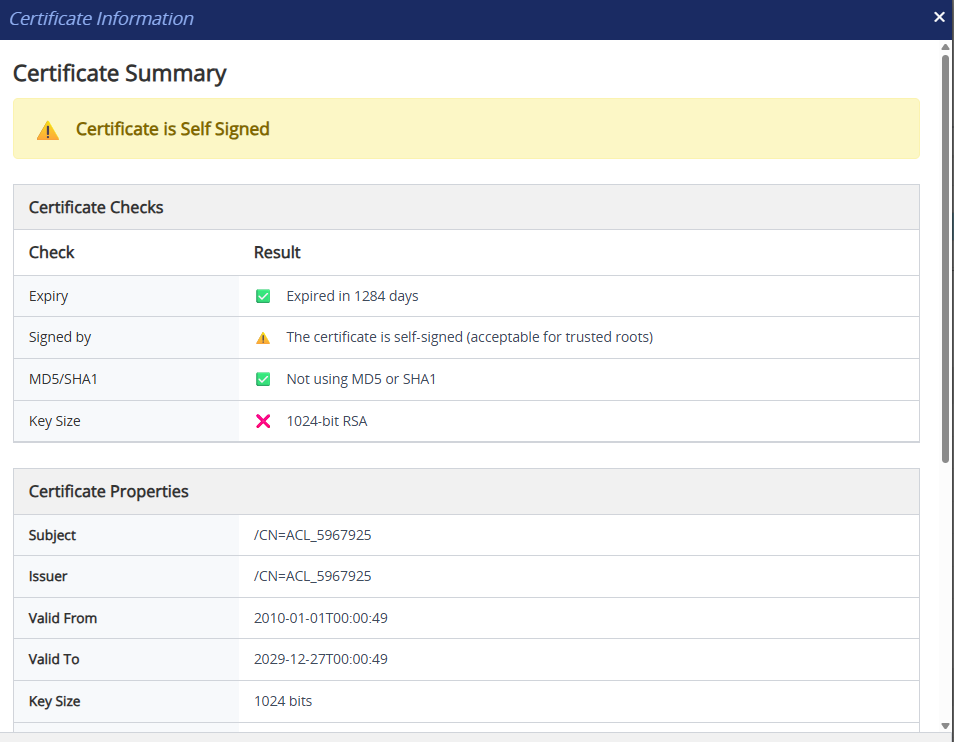
Viewing Certificate Information
You can view information of a TLS certificate installed on the device for a TLS Context.
| ➢ | To view certificate information: |
| 1. | Open the TLS Contexts table (see Configuring TLS Contexts). |
| 2. | Select the TLS Context. |
| 3. | Click Action, and then from the drop-down menu, choose Certificate Information; the Certificate Information dialog box appears. |
To view the detailed information of the certificate, expand the Certificate Detailed Information group.