Download an Audio Call
You can download an audio call. The file is downloaded in .ogg format.. Calls can be downloaded one at a time.
Downloading of Meeting recordings is currently not supported.
| ➢ | To download an audio call: |
| ■ | In the Interactions page, select the check box adjacent to the call that you wish to download, then click Action > Download Audio. |
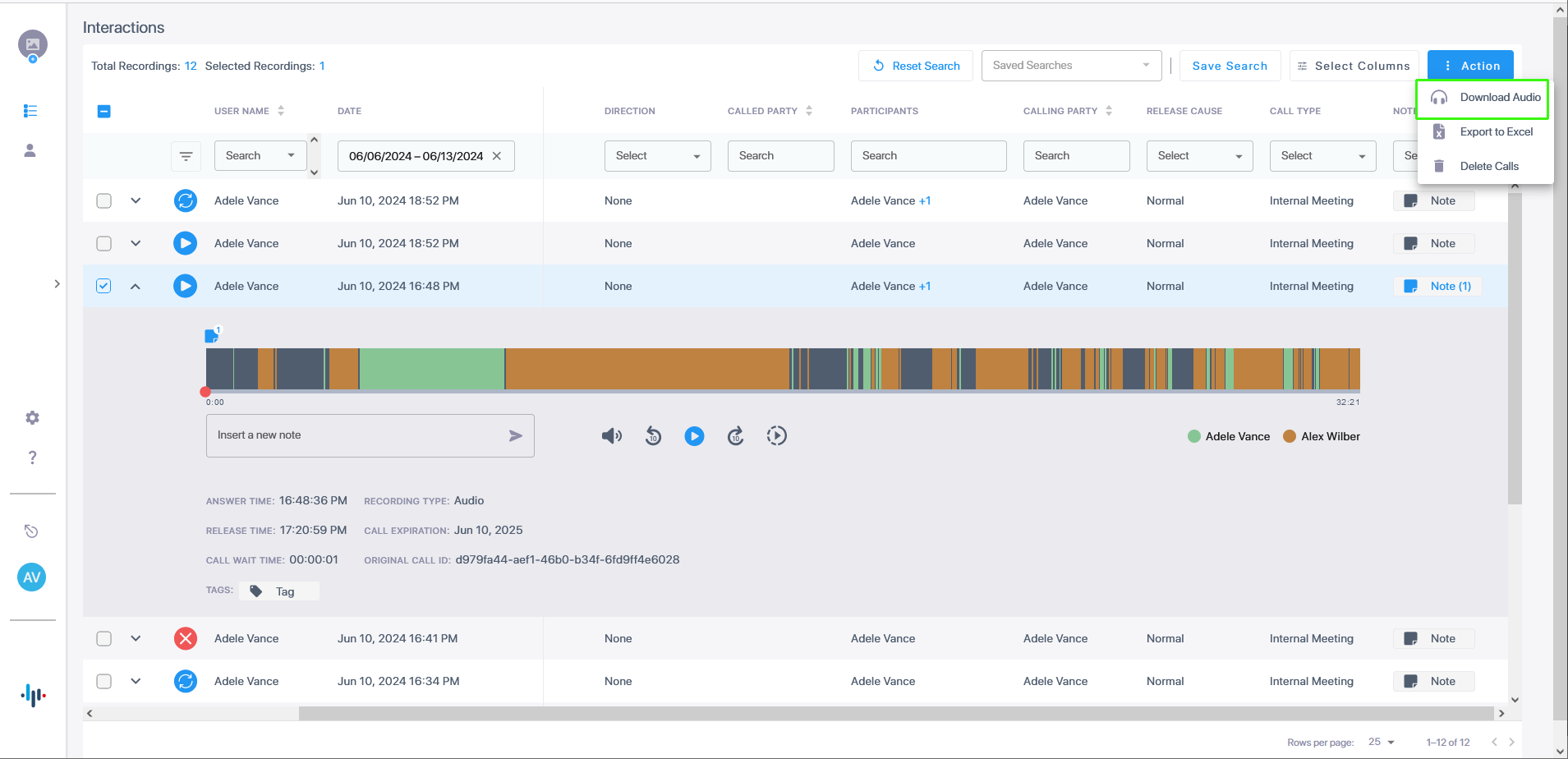
An .ogg file is downloaded.