View an Access Profile
You can view the details of an existing Access Profile in Read-only view.
| ➢ | To view Access Profiles: |
| 1. | In the Icon pane, click Settings  , and then in the Navigation pane, select Recording Settings > Access Profiles. , and then in the Navigation pane, select Recording Settings > Access Profiles. |
| 2. | Click the relevant profile, or click the dots adjacent to this profile and then click. View. |
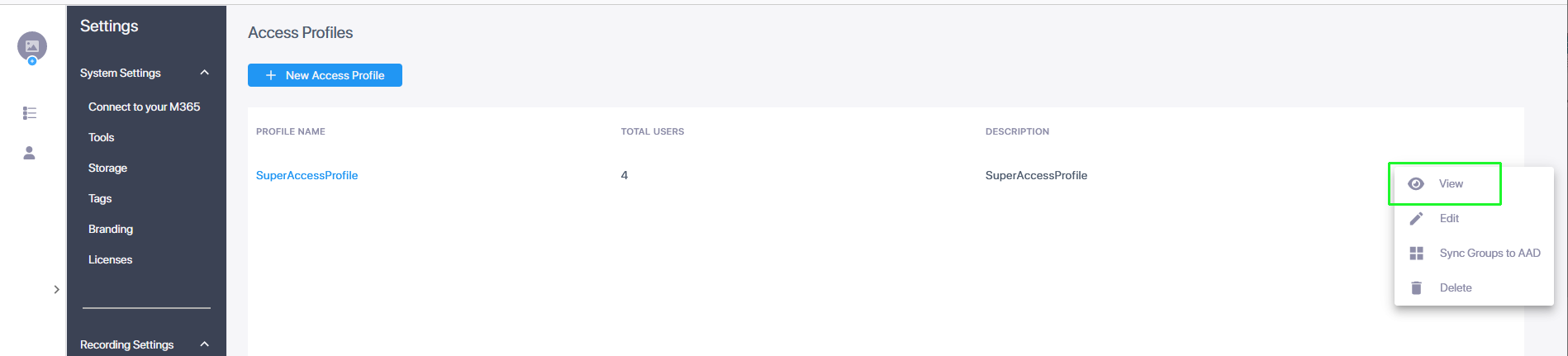
The Access Profile is displayed.
| 3. | Refer to the parameter descriptions in Add an Access Profile. |
| 4. | Click Next to view attached Azure Groups. |