Add Devices to a Service from the Services Page
The Services page lists the existing Device Manager services. From this page, you can access the Update Service page, which lets you add endpoints to the Redirect Server for Day Two provisioning. For details on how to add the endpoints
You can also access the page from the Live Platform wizard. See Edit a Device Manager Service for details.
| ➢ | To configure services: |
| 1. | Open the Services page (Setup > System > Services). |
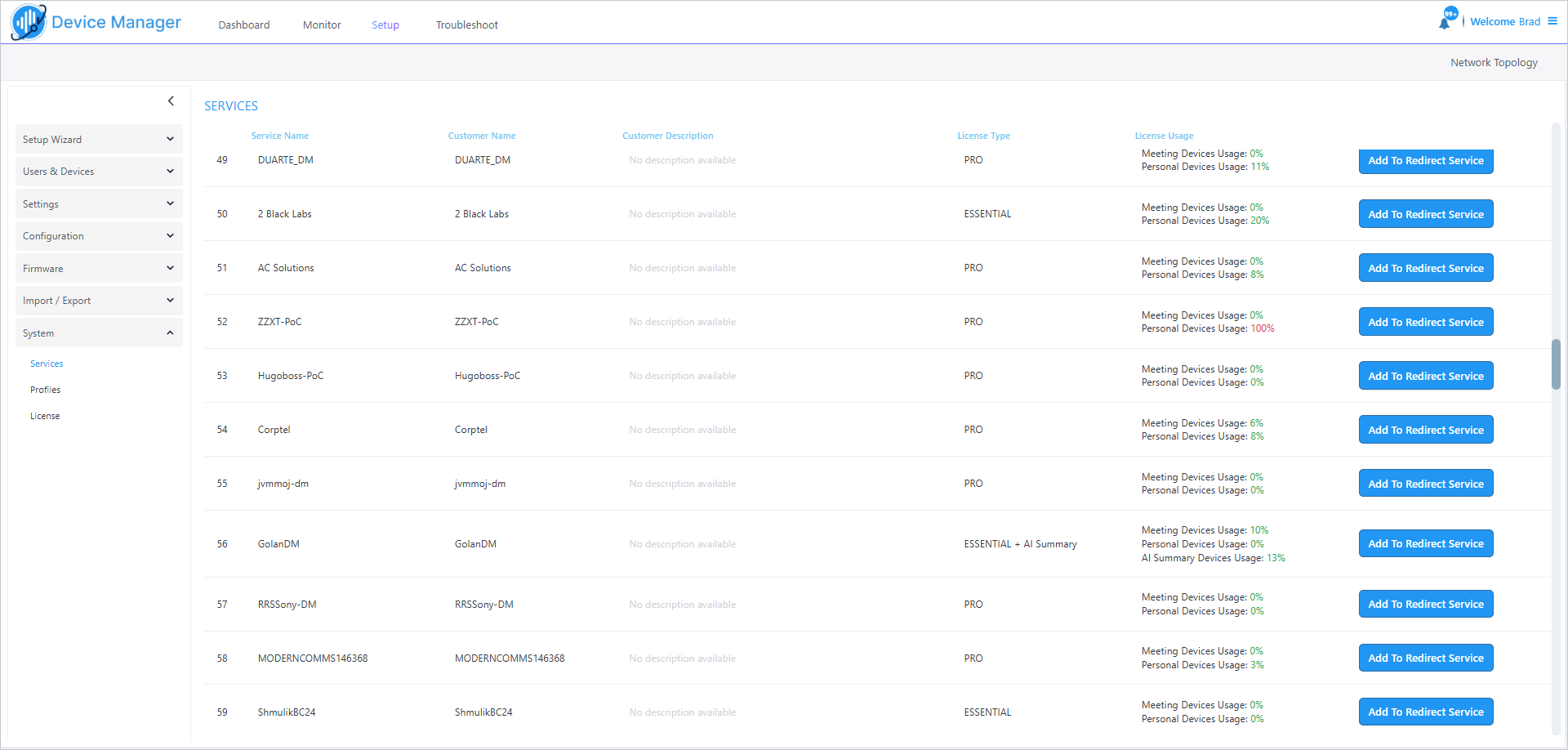
A list of deployed services are displayed. The table below describes the parameters in this page.
|
Parameter |
Description |
||||||||||||
|---|---|---|---|---|---|---|---|---|---|---|---|---|---|
|
Service Name |
Name of the deployed service. |
||||||||||||
|
Customer Name |
Name of the customer. |
||||||||||||
|
Customer Description |
Free text description of the customer entity. |
||||||||||||
|
License Type |
There is no difference between 'Essential' and 'Pro' licenses, or between 'Essential + AI Summary' and 'Pro + AI Summary'. |
||||||||||||
|
License Usage |
Displays the License percentage usage allocation for Meeting Devices and Personal Devices and for AI Summary Devices Usage. |
||||||||||||
|
Add to Redirect |
Link to open the Service update page for adding devices to the Redirect Service (see Edit a Device Manager Service). |