Managing LiveOps 360 Leads
In the Services page, you can view the list of deployed LiveOps 360 services and new leads.
| ➢ | To view services/leads: |
| 1. | From the Customer Actions drop-down list, select LiveOps 360 > Open Services Page. |
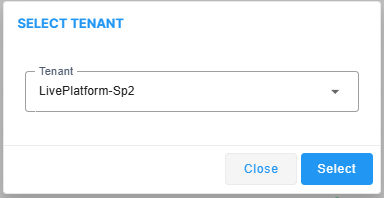
| 2. | From the Tenant drop-down list, choose the Service Provider tenant and then click Select. |
The Services page is displayed.
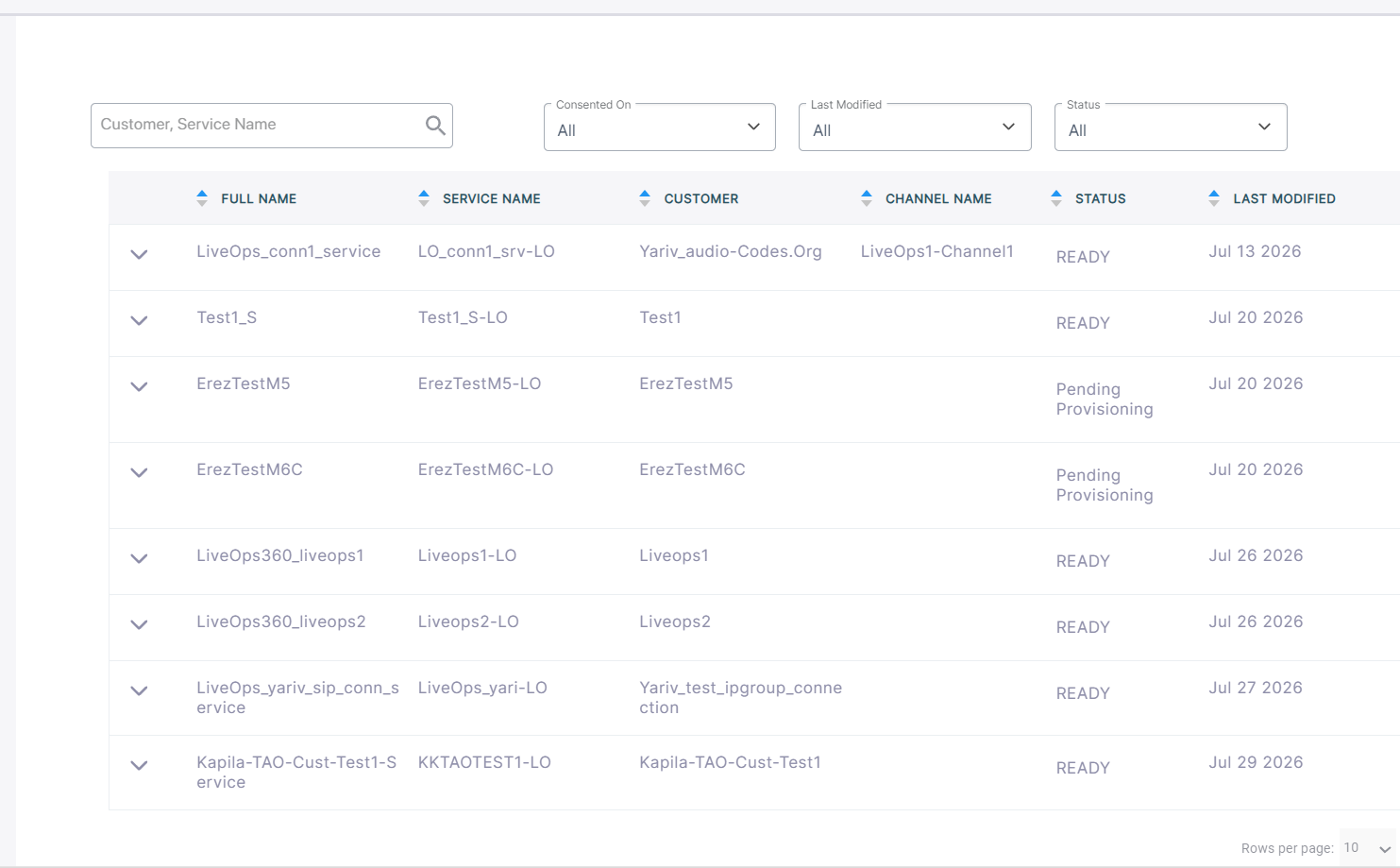
The following table describes the service details.
|
Lead Field |
Description |
|||||||||||||||
|---|---|---|---|---|---|---|---|---|---|---|---|---|---|---|---|---|
|
Full Name |
The company name. |
|||||||||||||||
|
Service Name |
The name of the service. |
|||||||||||||||
|
Customer |
Then name of the customer. |
|||||||||||||||
|
Channel Name |
The name of the channel attached to the service. |
|||||||||||||||
|
Status |
One of the following:
|
|||||||||||||||
| Last Modified |
Date of last update of the customer account. |
The following table describes the table filters.
Table Filters
|
Filter |
Description |
|||||||||||||||
|---|---|---|---|---|---|---|---|---|---|---|---|---|---|---|---|---|
|
Customer or Service name |
The name of the service or the name of the customer that is attached to the service. |
|||||||||||||||
|
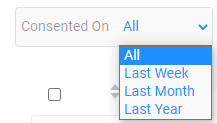
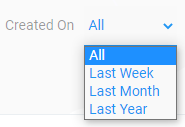
Consented Date and Created Date |
From the drop-down list, choose one of the following:
|
|||||||||||||||
| Last Modified Date |
From the drop-down list, choose one of the following:
|
|||||||||||||||
| Status |
Deployment statuses:
|