Switch Service between Customers
You can switch a service to a different customer as required.
| ➢ | To change the customer: |
| 1. | In the Services page, from the LiveOps 360 drop-down list, choose Change Customer. |

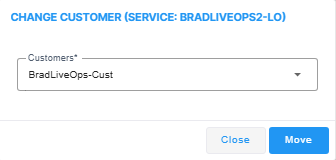
| 2. | From the Customers drop-down, choose the customer to which you wish to switch, and the click Move. |