Resending User Registration Email
You can resend the registration email to a user, which is originally sent when you add new users (see Adding Users in IAM). This is useful if the user doesn't have the original message—whether deleted by mistake, misplaced, or never delivered. For user registration, see Creating User Accounts from Registration Invitations.
|
➢
|
To resend a registration email to user in IAM: |
|
2.
|
From the 'Account' drop-down list, select the Live Platform entity (tenant) to which the user belongs. |
|
3.
|
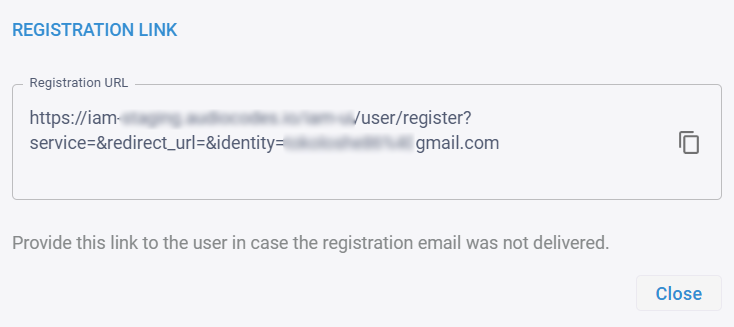
Click the  Registration Link button of the user you want to resend the registration email; IAM sends another registration email to the user and displays the Registration Link dialog box: Registration Link button of the user you want to resend the registration email; IAM sends another registration email to the user and displays the Registration Link dialog box: |
|
4.
|
If the user still hasn't received the email, you can manually provide the registration URL, by clicking the copy-to-clipboard  icon and providing the link to the user. icon and providing the link to the user. |