Filter by Date
You must filter data according t a specific date range. The default date range is the last week.
|
1.
|
In the Icon pane, click  . . |
|
2.
|
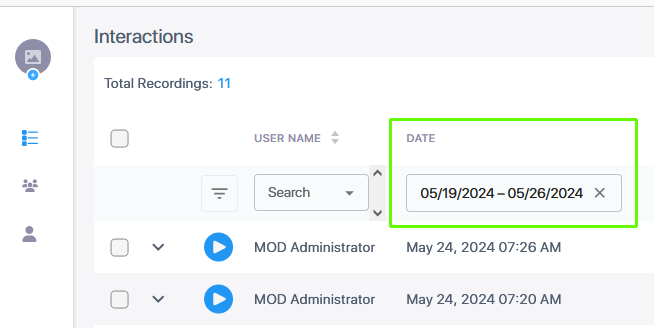
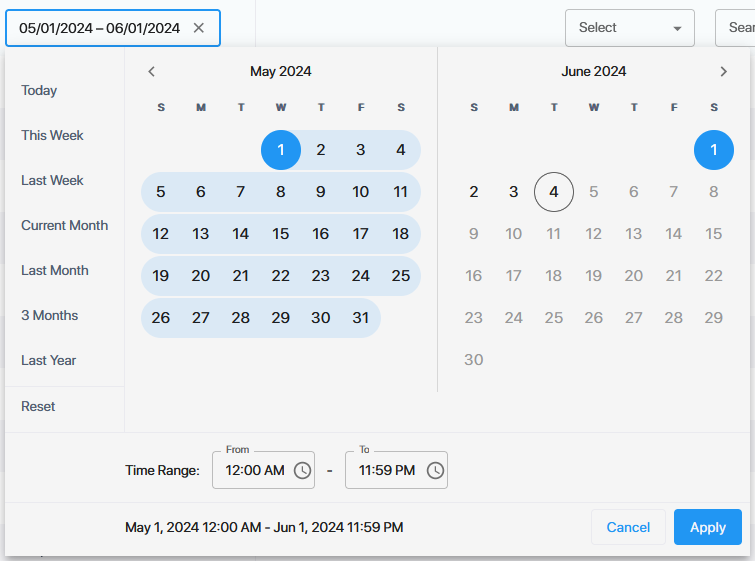
Double click inside the Date field to open the Calendar. On the left-hand side, select the desired month and day to commence the search range. In the 'From' Time range field, double-click the clock, and then drag the scrolling bars to the desired hour and minutes to commence the search range. |
|
3.
|
On the right-hand side, select the desired month and day to end the search range. In the 'To' Time range field, double-click the clock and then drag the scrolling bars to the desired hour and minutes to end the search range. |
|
4.
|
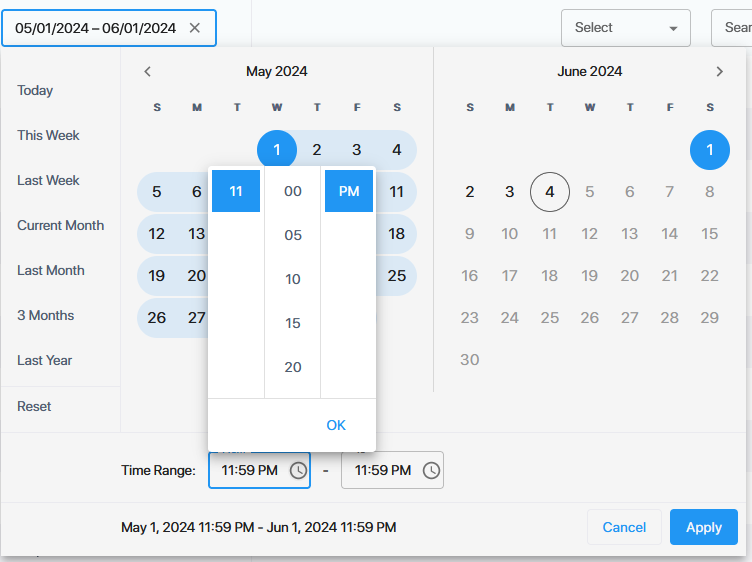
To set the time of day, click inside the Time Range fields and roll the slider to set the desired times. |