Attach AC Device to LiveOps 360 Management service
AC devices used for this service must be attached to the LiveOps 360 Management service.
| ➢ | To attach device to service: |
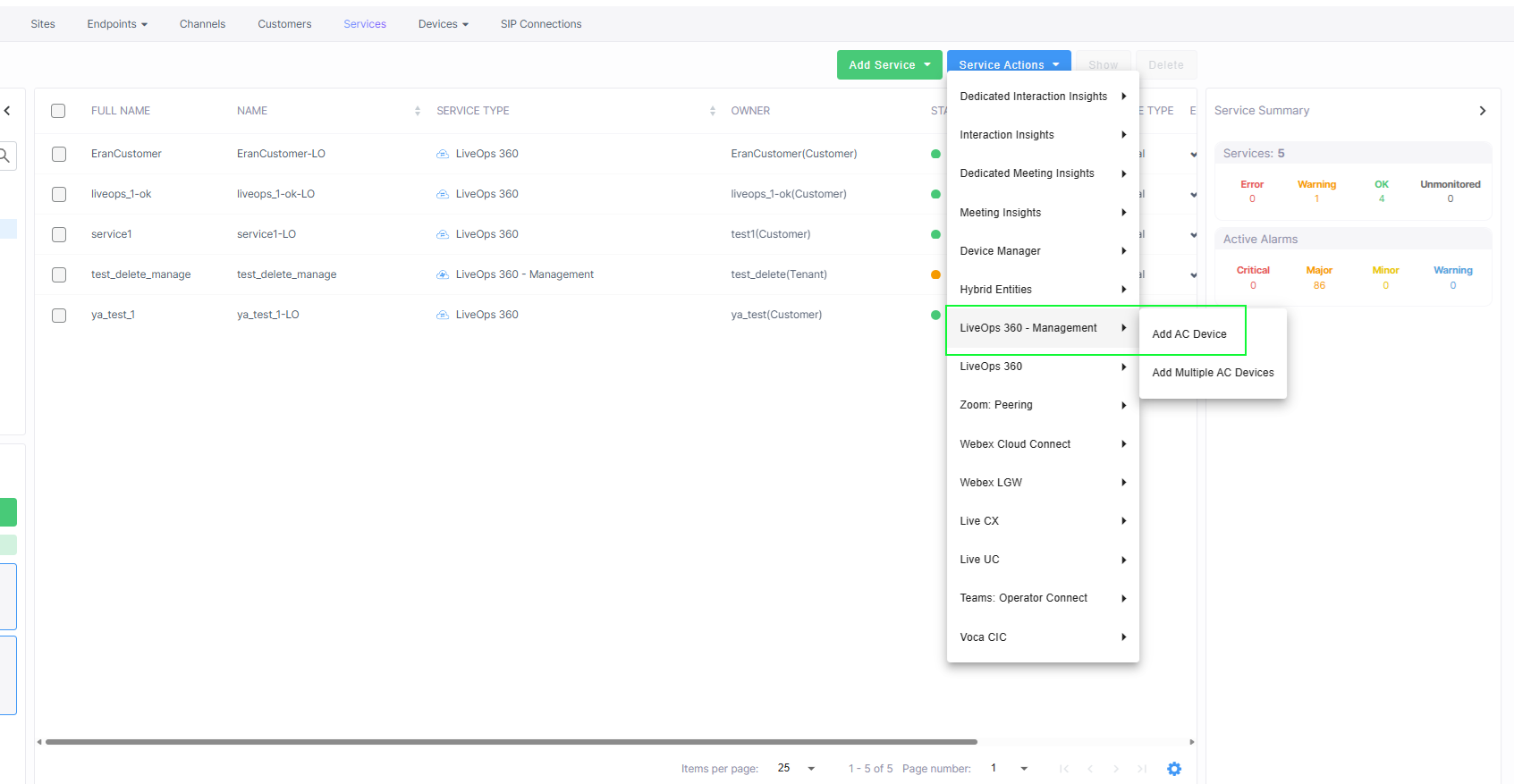
| 1. | From the Service page Service Actions drop-down list, select LiveOps 360 Management > Add AC Device. |
| 2. | Follow instructions for adding the AC device to Live Platform in Appendix: Connecting Devices to Live Platform. |
The Live Ops360 Management service is automatically attached to the AC device upon which you are performing this procedure.
