Downloading Meeting Recordings
You can download a meeting recording to a folder on your computer as an .mp4 file.
Only the Owner, Co-owner, or users assigned editing privileges of the meeting recording can download the meeting recording.
| ➢ | To download a meeting recording: |
| 1. | In the Navigation pane, click  All meetings. All meetings. |
| 2. | Click the name of the meeting recording that you want; the Player page appears. |
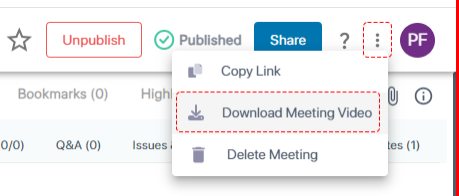
| 3. | On the toolbar, click the  icon, and then from the drop-down list, choose Download Meeting Video: icon, and then from the drop-down list, choose Download Meeting Video: |
A dialog box appears:
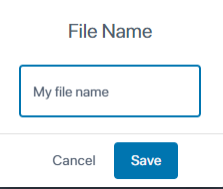
| 4. | Type a name for the meeting recording file (default is the subject name), and then click Save; the meeting recording is downloaded to your computer. |