Edit a Meeting Insights Service Customer
You can edit the Meeting Insights service for a customer. For example, you may want to change the customer's details or number of Meeting Insights users.
|
➢
|
To edit Meeting Insights customer: |
|
1.
|
Open the Customers page (Network > Customers). |
|
2.
|
Click the Customer Actions button, and then from the drop-down menu, point to Meeting Insights, and then click Edit Customer; the Tenant Management portal opens, displaying the Edit Meeting Insights Tenant page: |
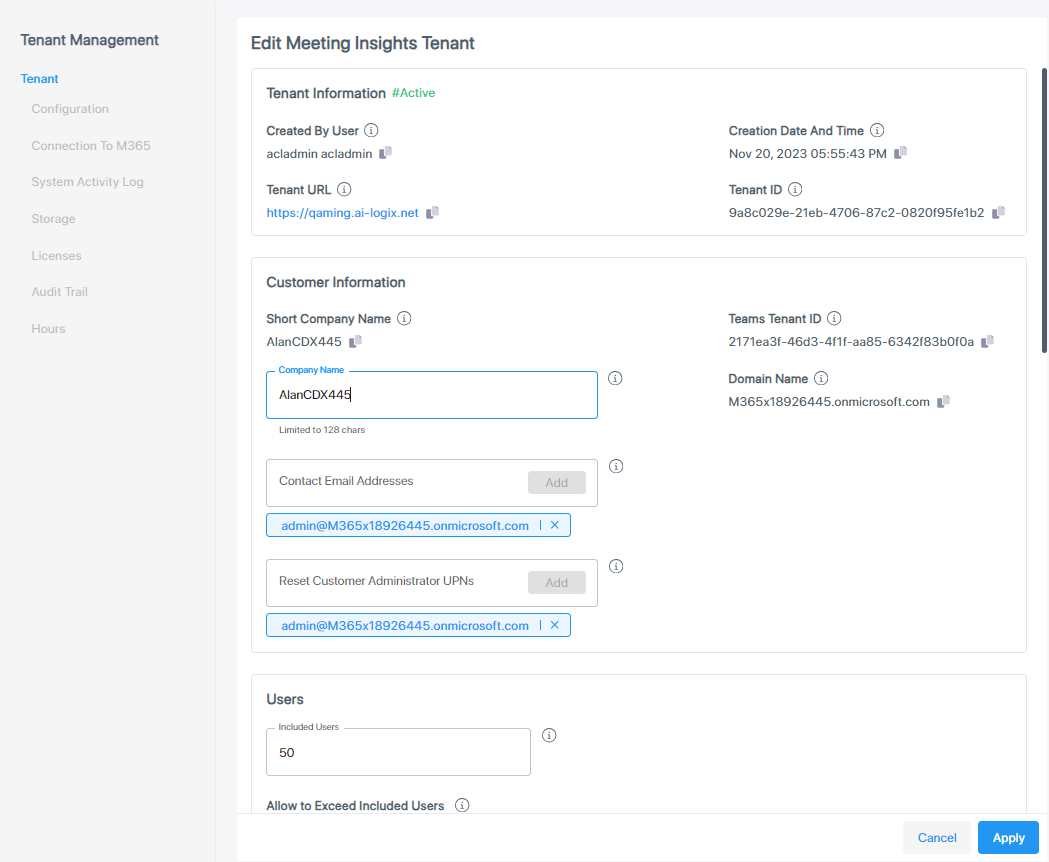
Some fields can't be edited. These fields are displayed with the  icon in the 'New Meeting Insights Tenant' form you filled in when adding the customer (see Add a Meeting Insights Service). If you need to edit one of these fields, you need to delete the tenant and create a new one.
|
3.
|
Make your changes, and then click Apply. |