Recording Calls Consent
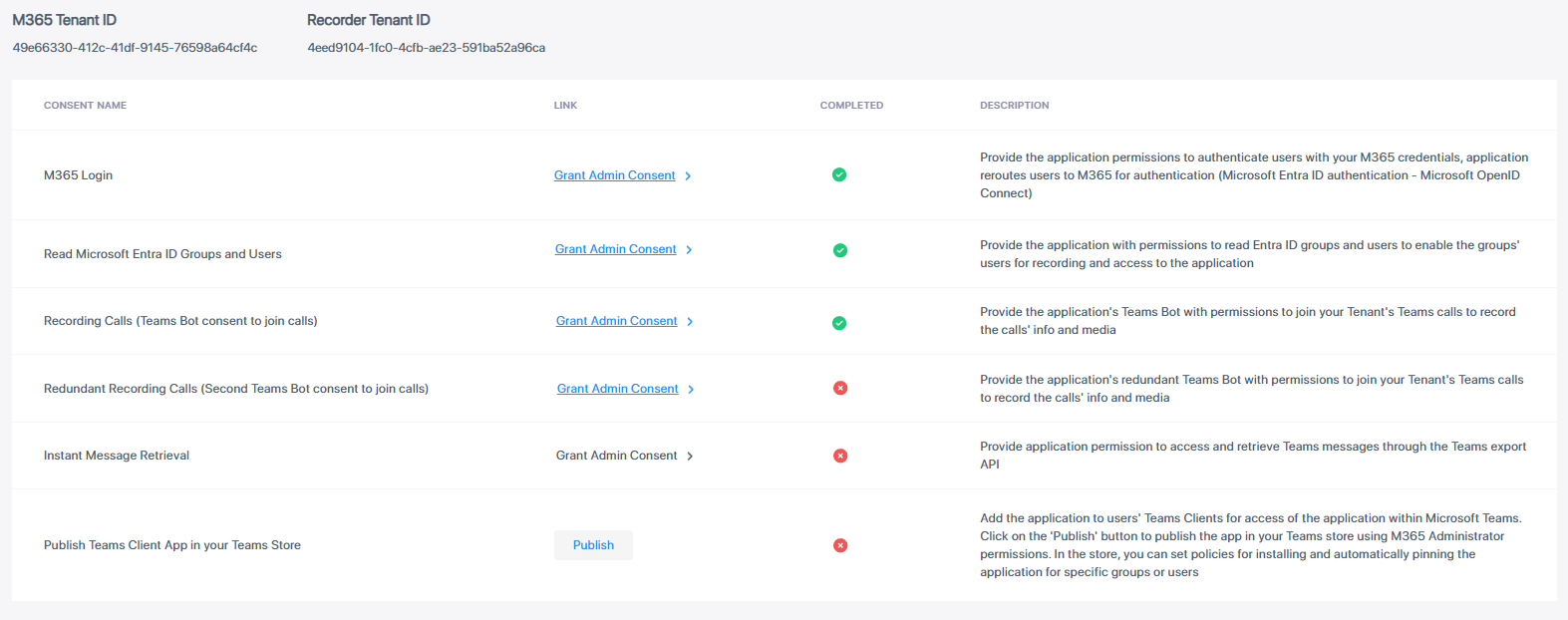
Granting the Recording Calls consent provides the application's Teams Bot with permissions to join your Tenant's Teams calls to record the calls' info and media. The calls-app permissions are required for the Live Platform Bot application to join your Teams’ tenant calls and to receive the media to be recorded. Deployment of Live Platform generates the Enterprise application Interaction-Insights Bot (<Storage Location>).
You consent to the following Microsoft Graph permissions:
|
■
|
Calls.JoinGroupCall.All - Join group calls and meetings as an app (Application) |
|
■
|
Calls.AccessMedia.All - Access media streams in a call as an app (Application) |
In addition, you consent to the following internal communication application roles permission:
|
■
|
BotRole – bot role (Application) |
|
●
|
You must have successfully granted the previously listed consents before you can grant this consent. |
|
●
|
The screen captures in this section are from a tenant with a Pro license. (In tenants with an Essential license, the Redundant Recording Calls consent is missing.) |
|
➢
|
To grant consent to Recording Calls: |
|
1.
|
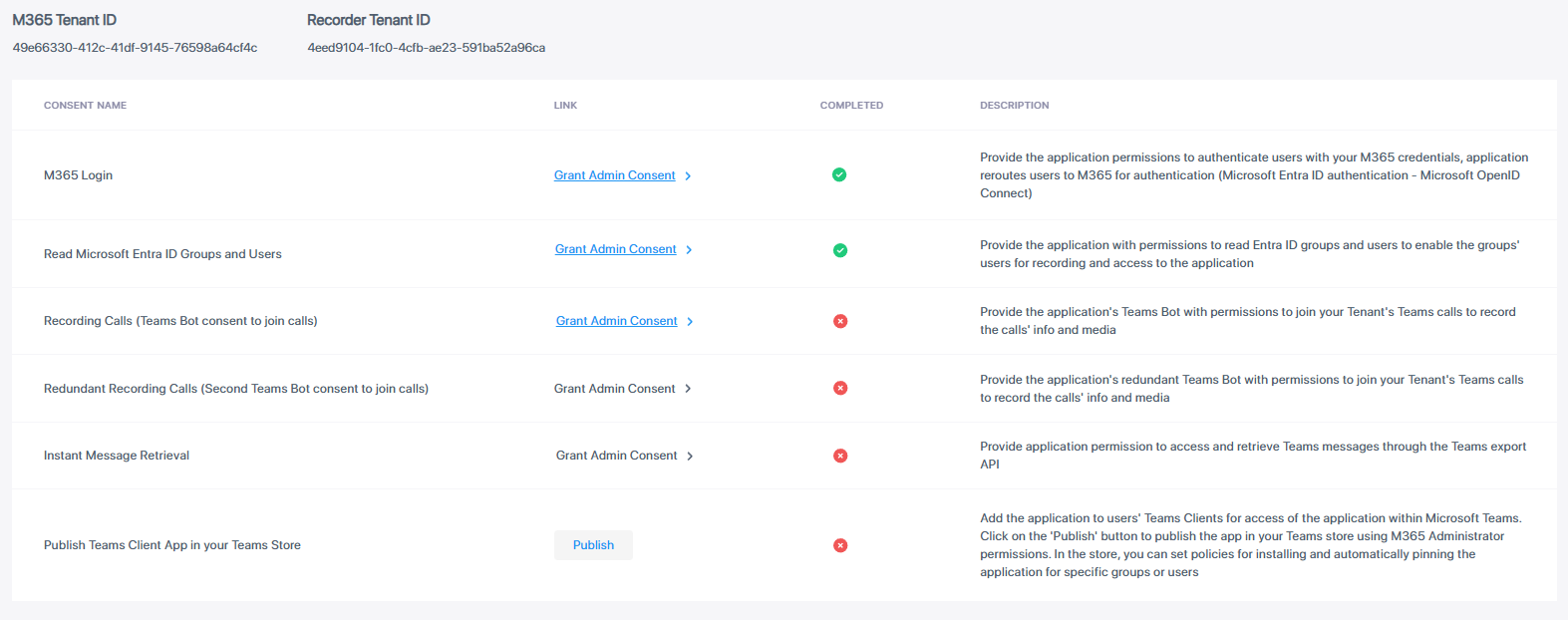
If the Consents page is not already displayed, access it by navigating to Settings > System Settings > Connect to your M365. |
|
2.
|
Click the Grant Admin Consent link next to the 'Recording Calls' consent; you are prompted to log in to your Microsoft 365 account. |
|
3.
|
Log in to the Global admin account of your Live Platform tenant; a permissions dialog appears. |
|
4.
|
Click Next, then click Accept to accept the requested permissions. The consent is marked with the  icon, indicating that you have successfully granted 'Recording Calls' consent. icon, indicating that you have successfully granted 'Recording Calls' consent. |