Managing the ARM Repository
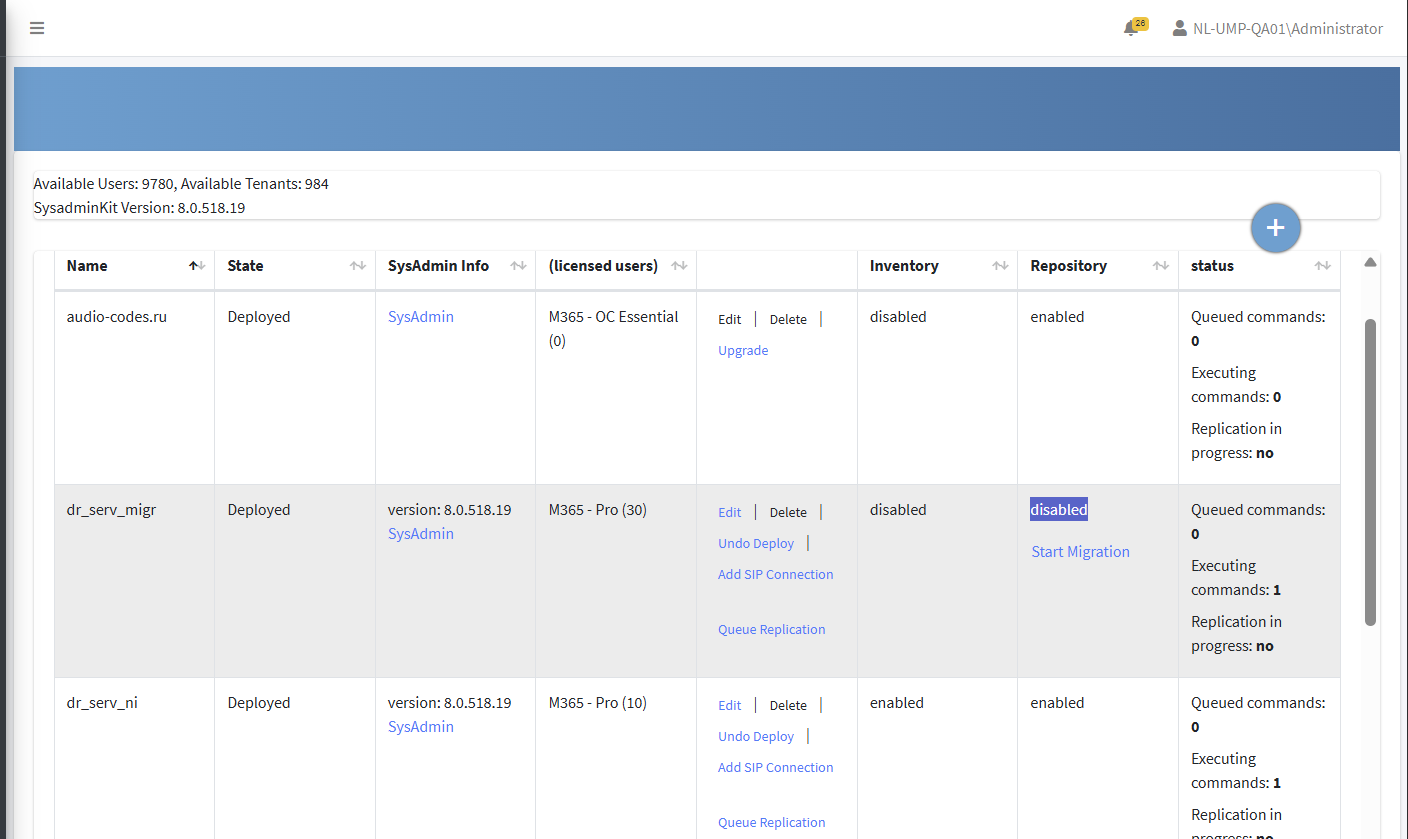
The ARM Repository can be used for storing DIDs as an alternative to using SBC dial plans. The ARM repository therefore provides a load balancing solution for large number deployments when the SBC dial plans have reached maximum capacity. In addition, you can utilize ARM to configure number features such as Call Forwarding and Call Screening.
| ➢ | To enable the ARM repository: |
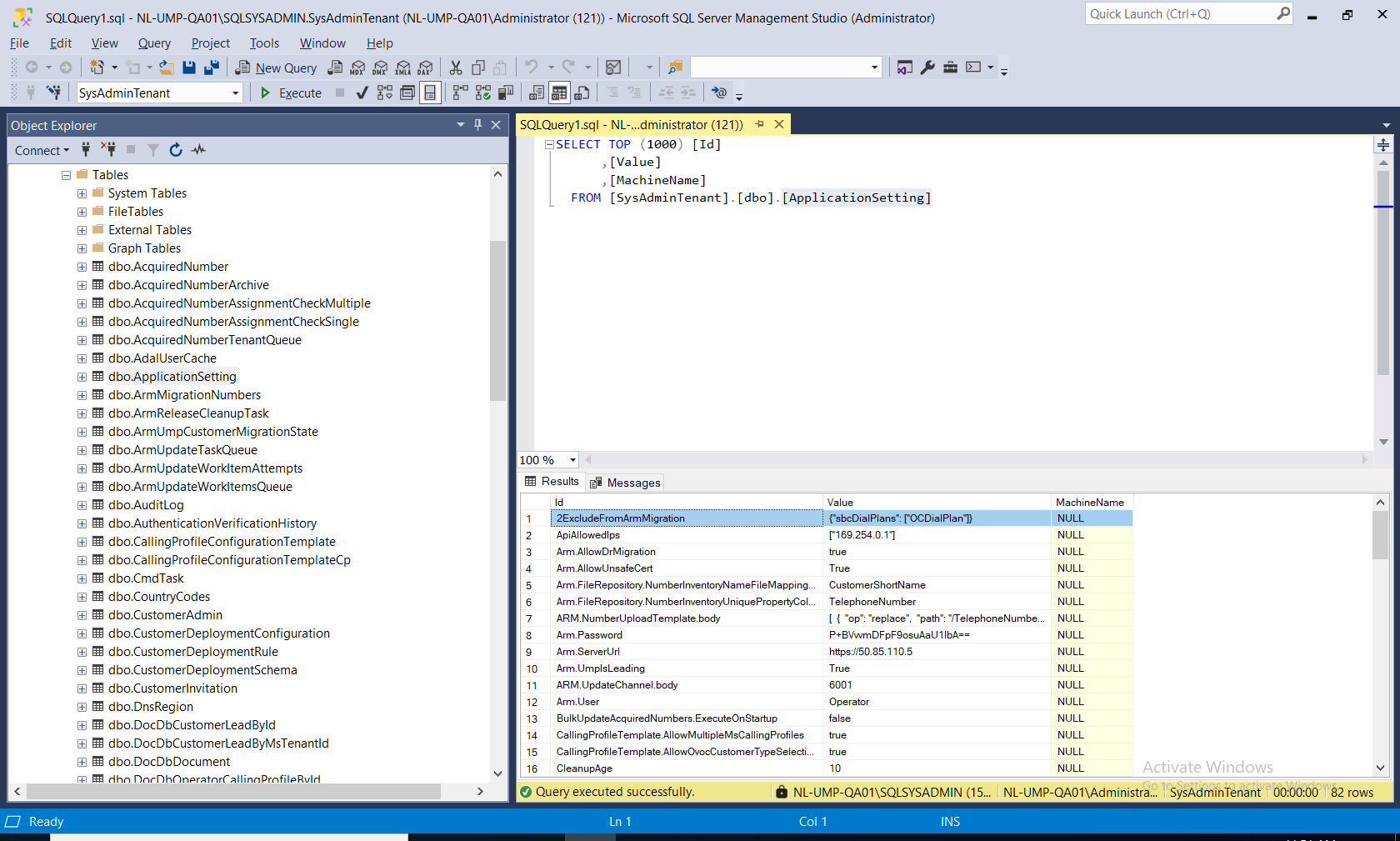
| 1. | In the SQL database, open the ApplicationSetting file. |
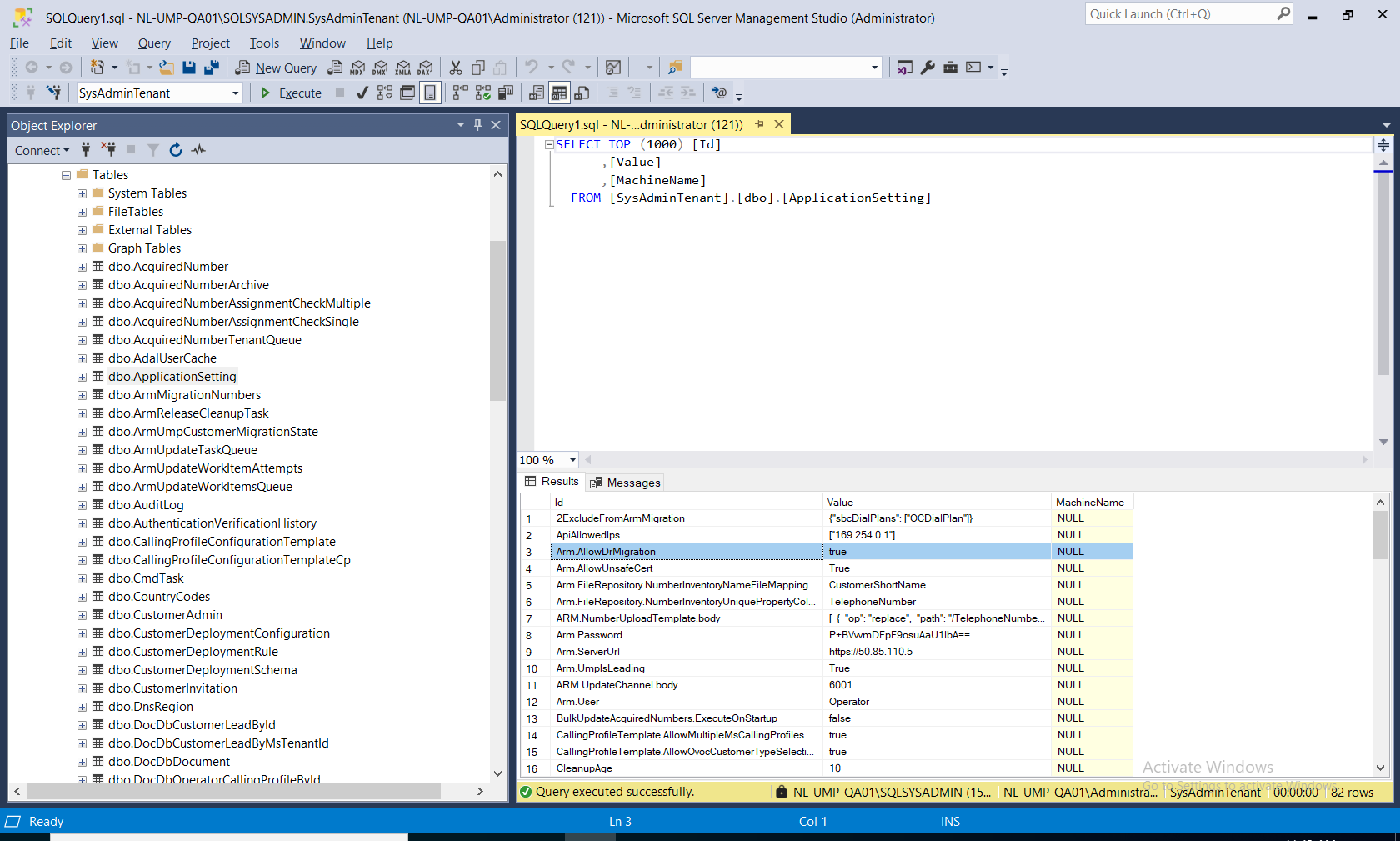
| 2. | Set the parameter Arm.AllowDrMigration to true. |
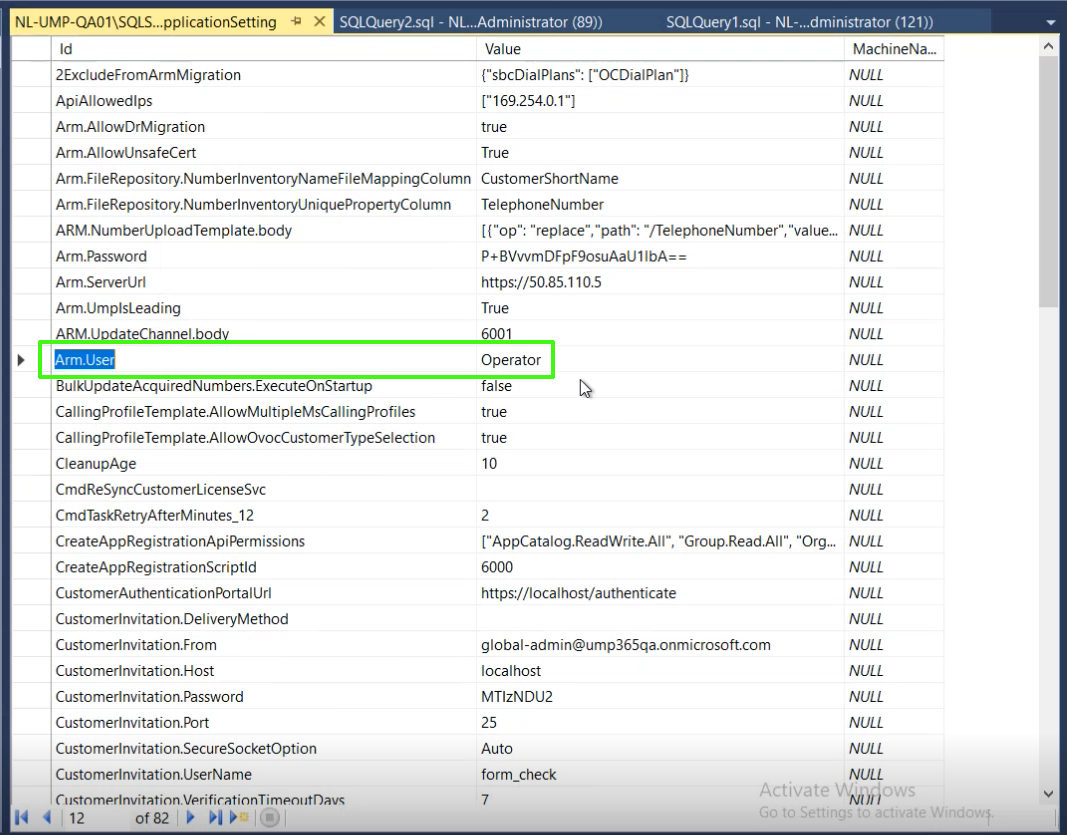
| 3. | Set parameter "Arm.User" with a value, for example, "Operator" to enable the "Advanced Settings" configuration (see Create OC Essential Service with an SBC IP Group-based SIP Connection) when adding the Operator Connect service. |
| 4. | Optionally set parameter "ExcludeFromArmMigration" with the name of the dial plan that you do not wish to migrate to ARM. |