Migrating to ARM
When a new Operator Connect service is created in version 8.0.518.xxx and later, a new ARM file repository is created for the service. However, for services added prior to version 8.0.518, you must migrate them using the Migration wizard. In the process, a unique repository is created on ARM and numbers uploaded to the service are retrieved from the OC Dial plan on the SBC device and migrated to the new repository.
| ➢ | To migrate to ARM: |
| 1. | In the All Services page, click Start Migrationfor the service that you wish to migrate. |

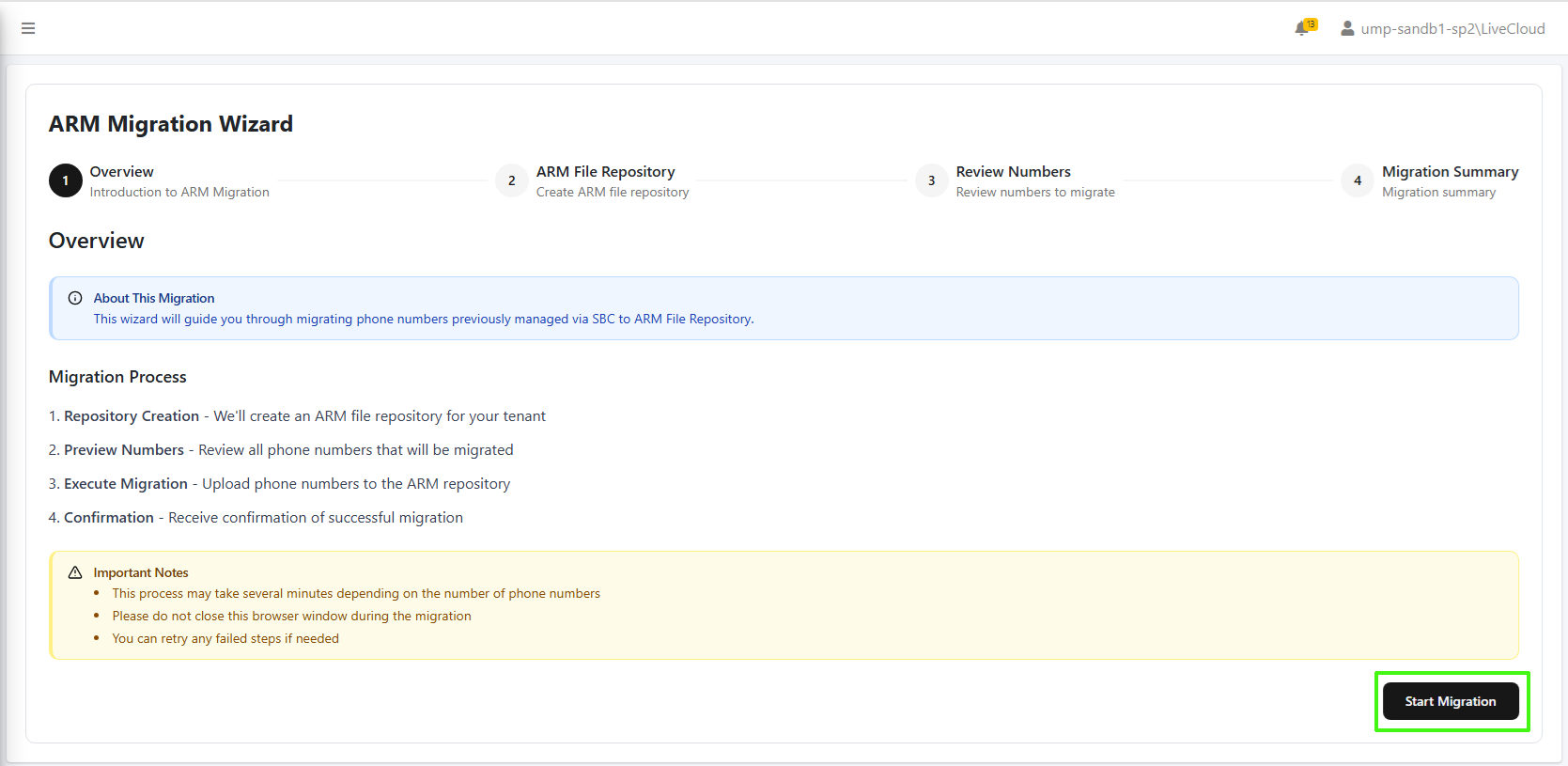
| 2. | Click Start Migration to start the Migration process. |
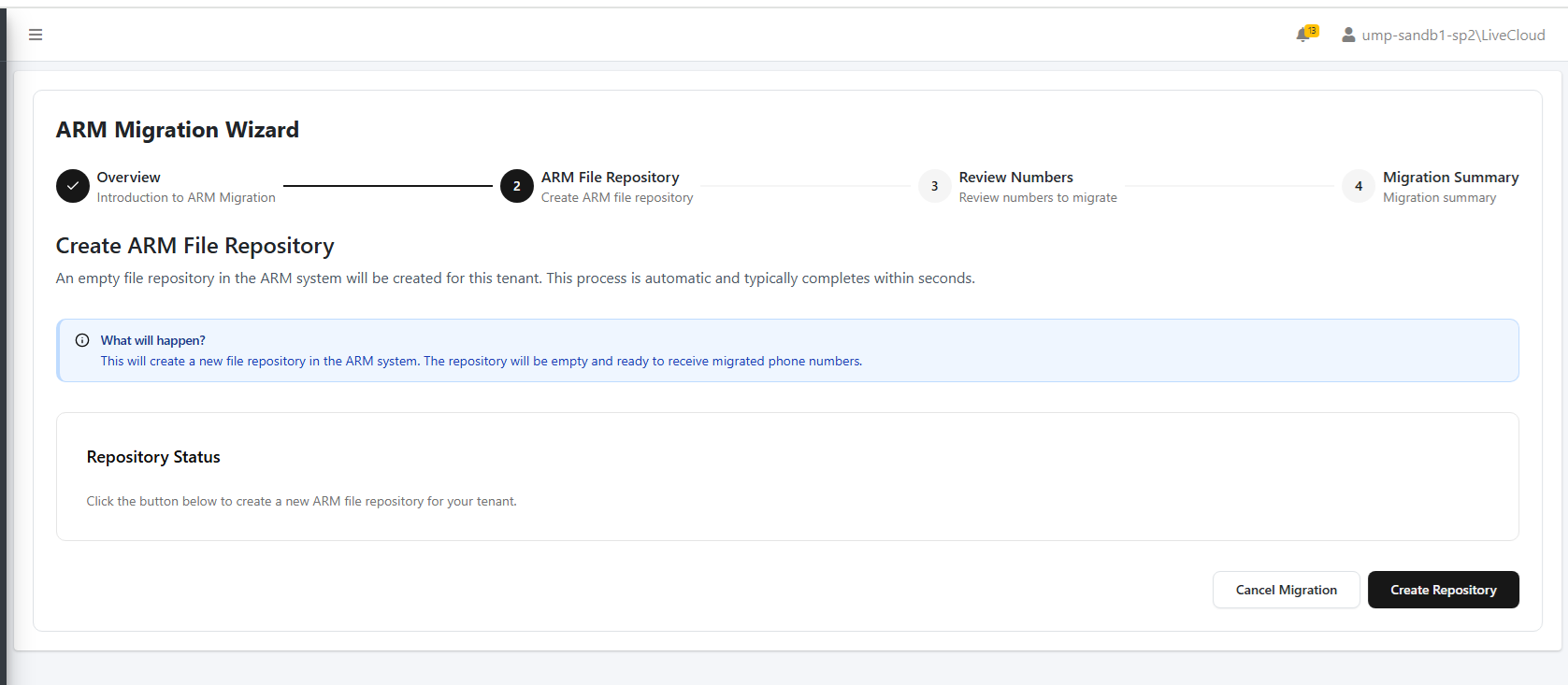
| 3. | Click Create Repository. |
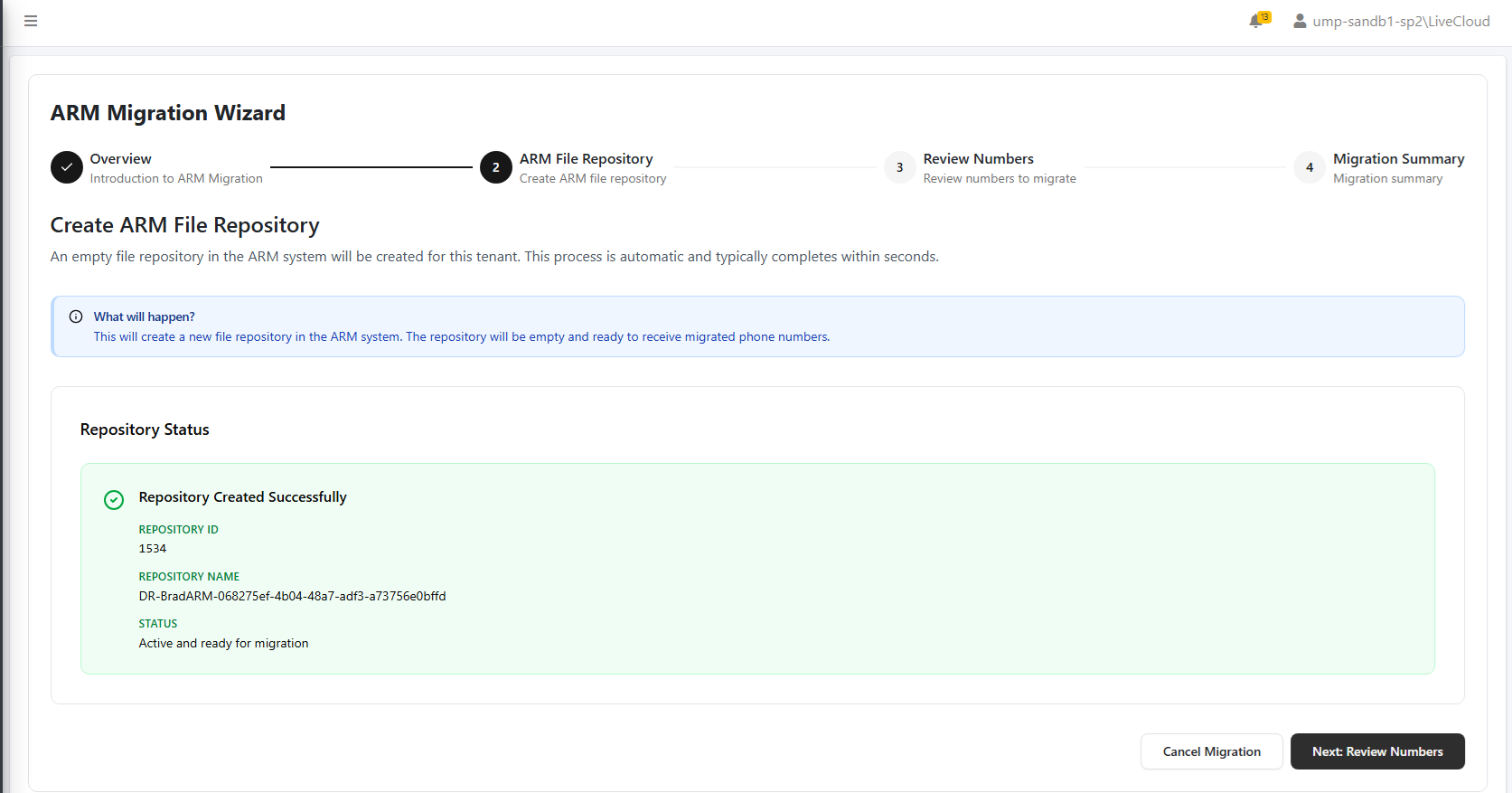
| 4. | Click Next: Review Numbers. Numbers uploaded to the service are reviewed and then migrated. |
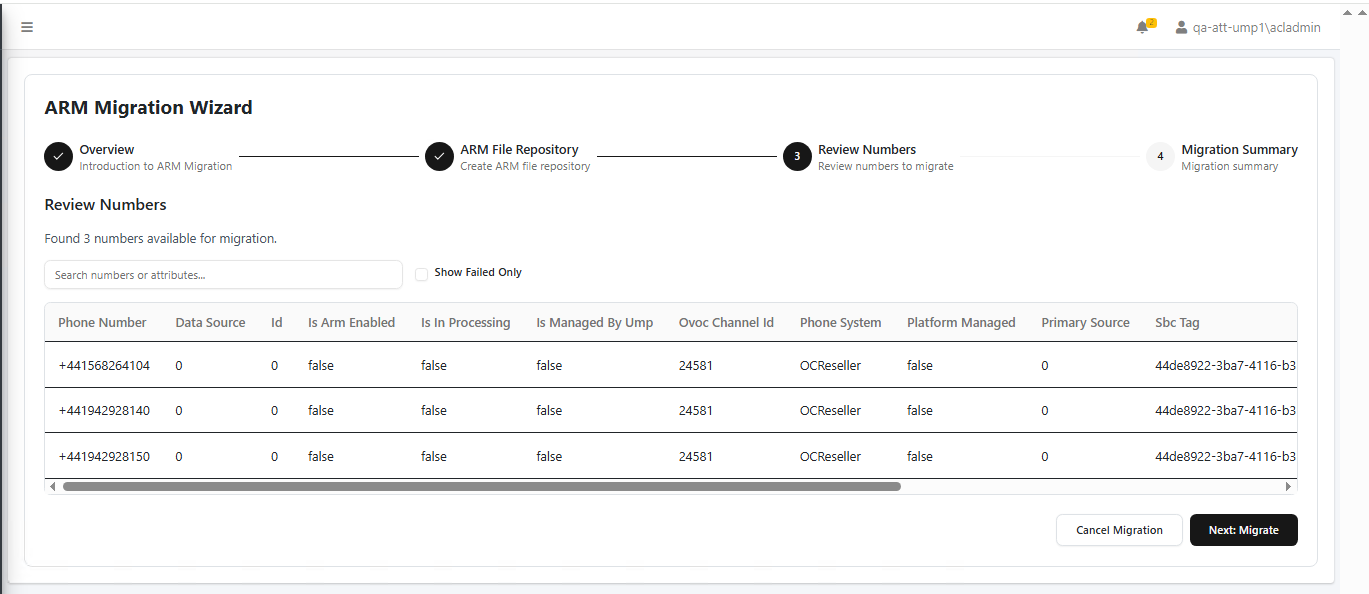
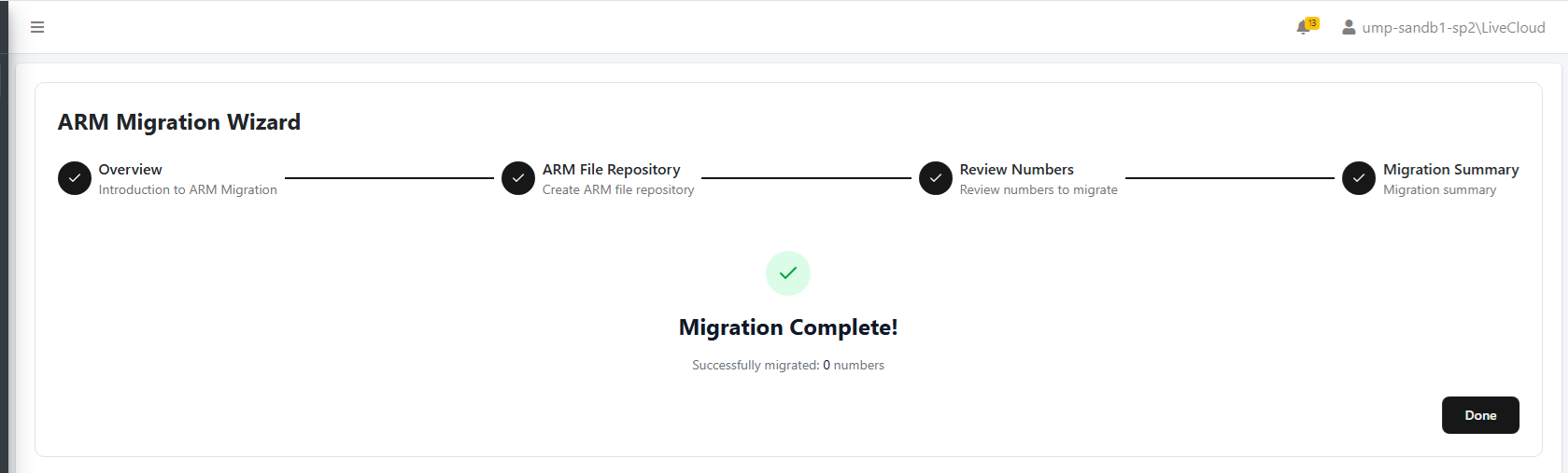
| a. | Click Next: Migrate. The migration completes. |
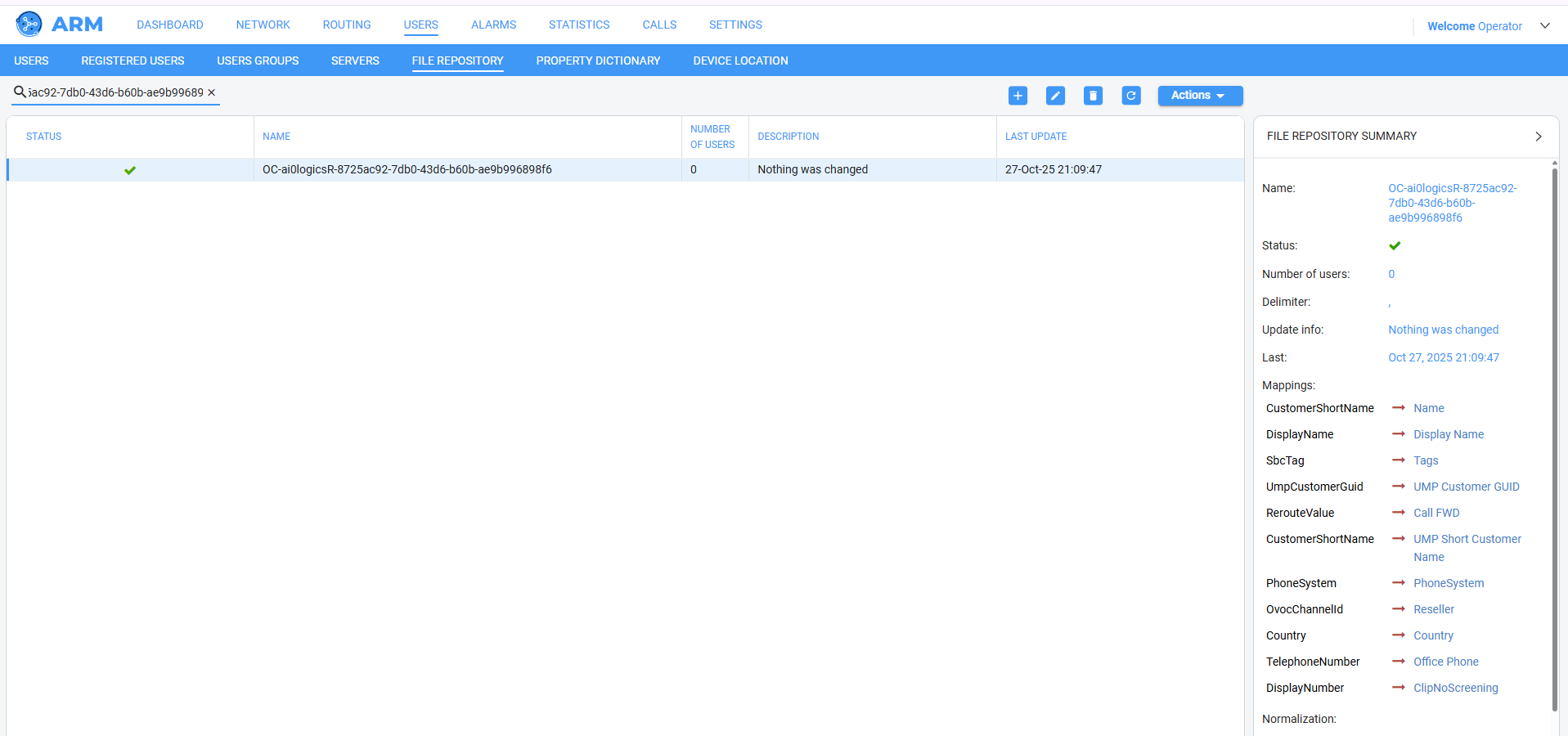
| 5. | You can open ARM to see the creation of the new entity. Open the File Repository page and then search for the new Repository name that was created above. |
If you stop the Migration process at any stage, then you can click Resume Migration to complete the process.

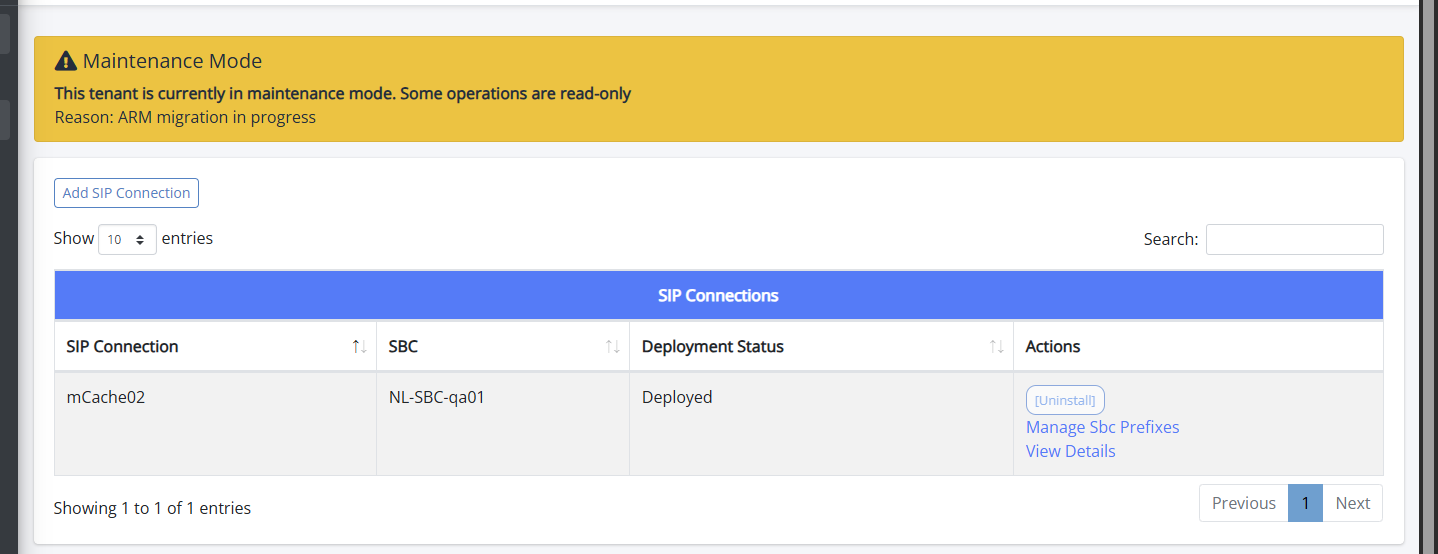
If you open the Service portal during this time, a message similar to the following is displayed informing that you are in Maintenance mode.