View the Added Customer
After adding a customer, you can view the customer's Meeting Insights service to check if added correctly.
| ➢ | To view added customer: |
| 1. | Open the Customers page (Network > Customers). |
| 2. | Select the customer, click the Customer Actions button, and then from the drop-down menu, point to Meeting Insights, and then click View Customer; the Tenant Management portal opens, displaying the View Meeting Insights Tenant page. |
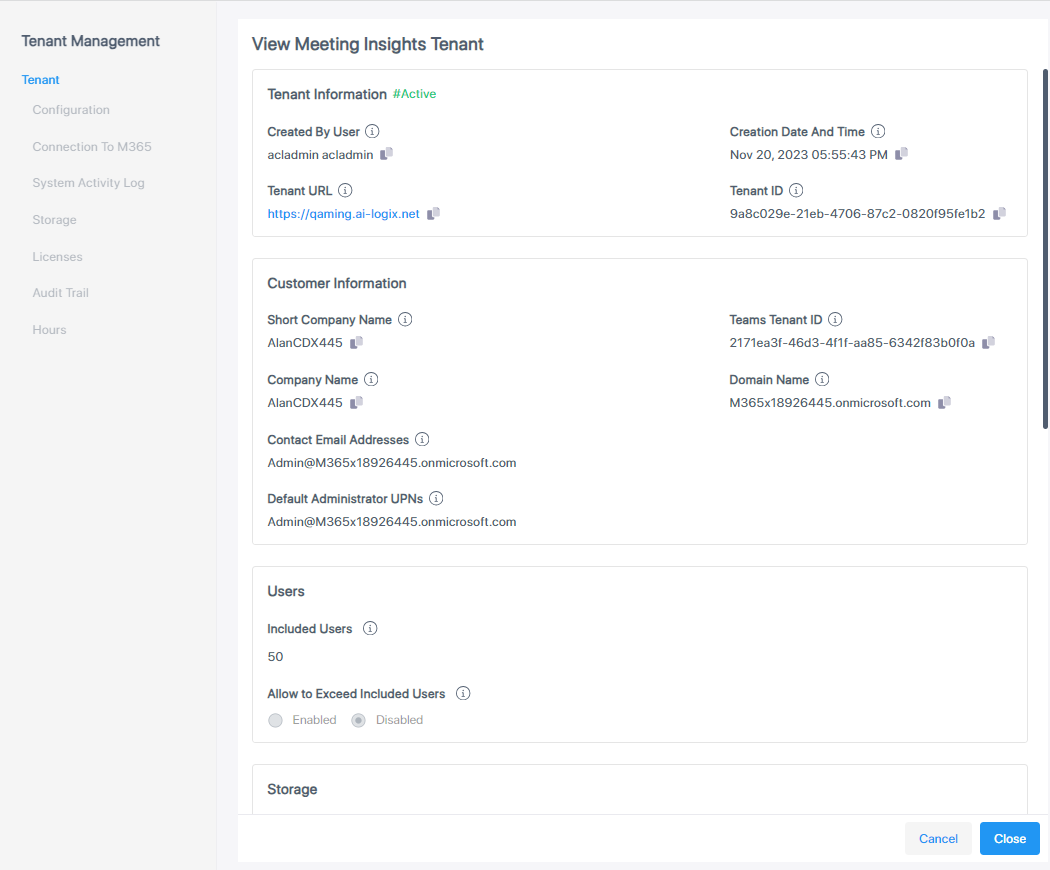
| 3. | Make sure the information is correct. |
| 4. | Click Close. |