View an Action Item in Microsoft Planner
Action items that you have exported to your Microsoft Planner can only be managed (edited or deleted) through Planner. You can easily access these action items in Planner from Meeting Insights.
Modifying or deleting the action item in Planner is not reflected in Meeting Insights.
|
➢
|
To access an action item in Microsoft Planner: |
|
2.
|
Click the meeting recording name; the Player page appears. |
|
4.
|
Click the ellipsis  icon of the action item, and then from the drop-down menu, choose  See in Planner: |
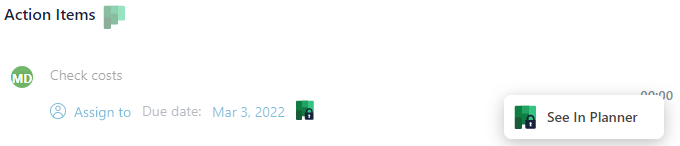
You can also access an action item from the Action Items page:
|
1.
|
In the Navigation pane, click  Action items. |
|
2.
|
Click the See in Planner icon of the action item. |