Open the Send to Confluence Pane
All Confluence procedures start from the Send to Confluence pane. The first time you open it, you're asked to connect Meeting Insights to your Atlassian account.
|
➢
|
To open the Send to Confluence pane: |
|
1.
|
In the Navigation pane, click  All meetings. |
|
2.
|
Click the ellipsis  icon of the meeting recording, and then choose  Send to Confluence. |
If this is the first time you're sending a recap to Confluence, the Connect to Confluence pane appears. Do the following:
|
a.
|
Click Sign in to Confluence. |
|
b.
|
Click Accept to allow Meeting Insights to access, view, and update Confluence spaces and pages. |
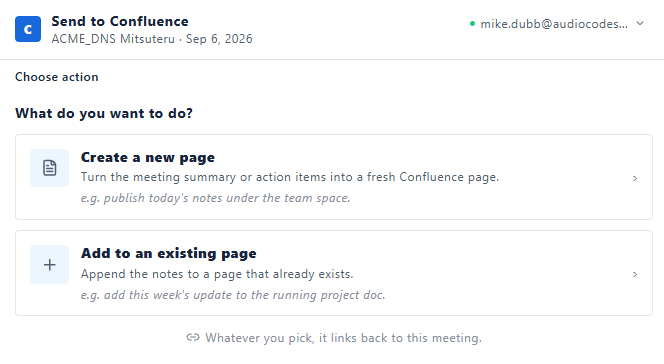
The Send to Confluence pane appears: