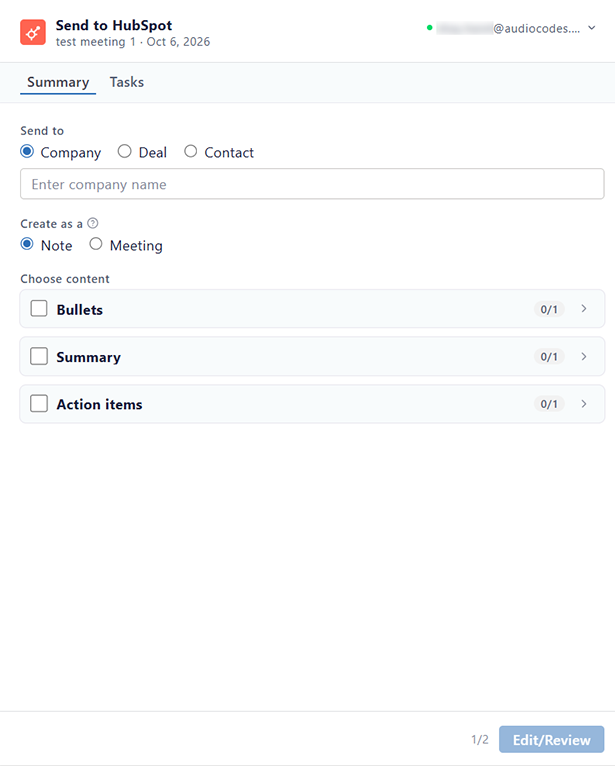
Open the Send to HubSpot Dialog
Every HubSpot procedure starts in the Send to HubSpot dialog. The first time you open it, you need to connect Meeting Insights to your HubSpot account.
|
➢
|
To open the Send to HubSpot dialog: |
|
1.
|
In the navigation pane, click  All meetings. |
|
2.
|
Click the ellipsis  icon of the meeting recording, and then choose  Send to HubSpot. |
If you're connecting to HubSpot for the first time, the Connect to HubSpot message appears. Do the following:
|
a.
|
Click Sign in to HubSpot. |
|
b.
|
Click Accept to allow Meeting Insights to view and update your HubSpot data. |
The Send to HubSpot dialog appears: